LAN System
I. Plug in your LAN cable
Bluetooth System
I. Go to setting
II. Go to more
III. Go to tethering & portable hotspot
How to install APK / HTML / Media files to tablet?
I. Insert APK / HTML / media file to USB or SD card (ensure that the USB or SD card is empty)
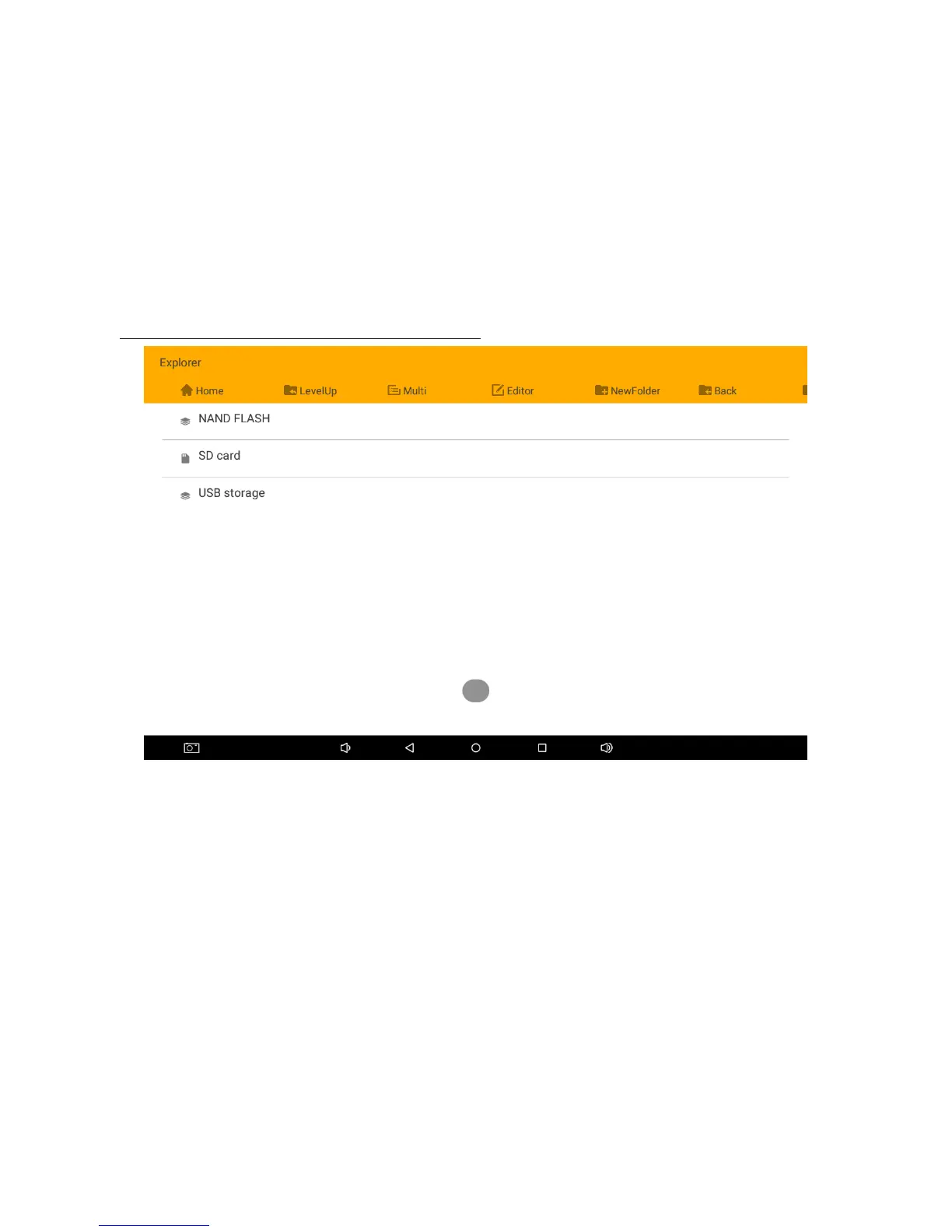
II. Go to “Explorer”
III. Go to “USB / SD card storage” (where you place the file)
IV. Go to “Multi”. Select the file you want to copy
V. Select “Editor” and select copy
VI. Go to ”NAND FLASH” or the destination storage to paste
VII. Select “Editor” and select paste
VIII. The APK should appear on startup page


 To Next Page