Calibration Software
Calibration
Step 1: Place the small software CD-ROM into the CD drive and copy the “Gloview Calibration Software’’ and
“Gloview Application software’’ folder in the CD-ROM onto your PC’s hard disk drive.
Please Note: do not RUN the software from the CD.
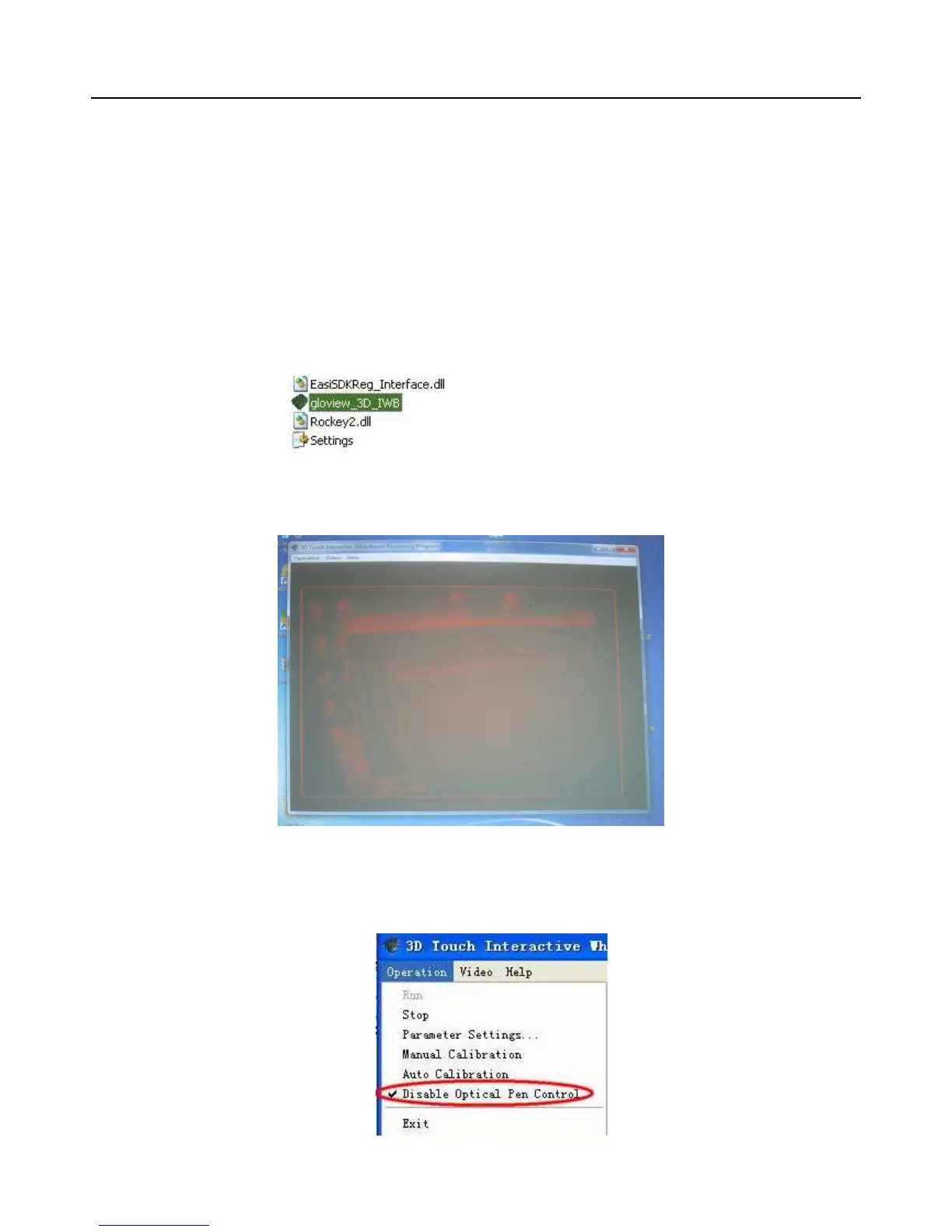
Step 2: Open the file “Gloview Calibration Software” and double click gloview_3D_IWB. exe.
Then viewing window appears.
Step 3: If the mouse becomes mad and is out of control. Please use the hand to shade the device (or pull out
USB cable from the computer). And then choose “disable Optical Pen Control”.



 To Next Page