Connect Glowforge Air Filter to your Glowforge
Connect Glowforge Air Filter to Glowforge Printer with exhaust hose.
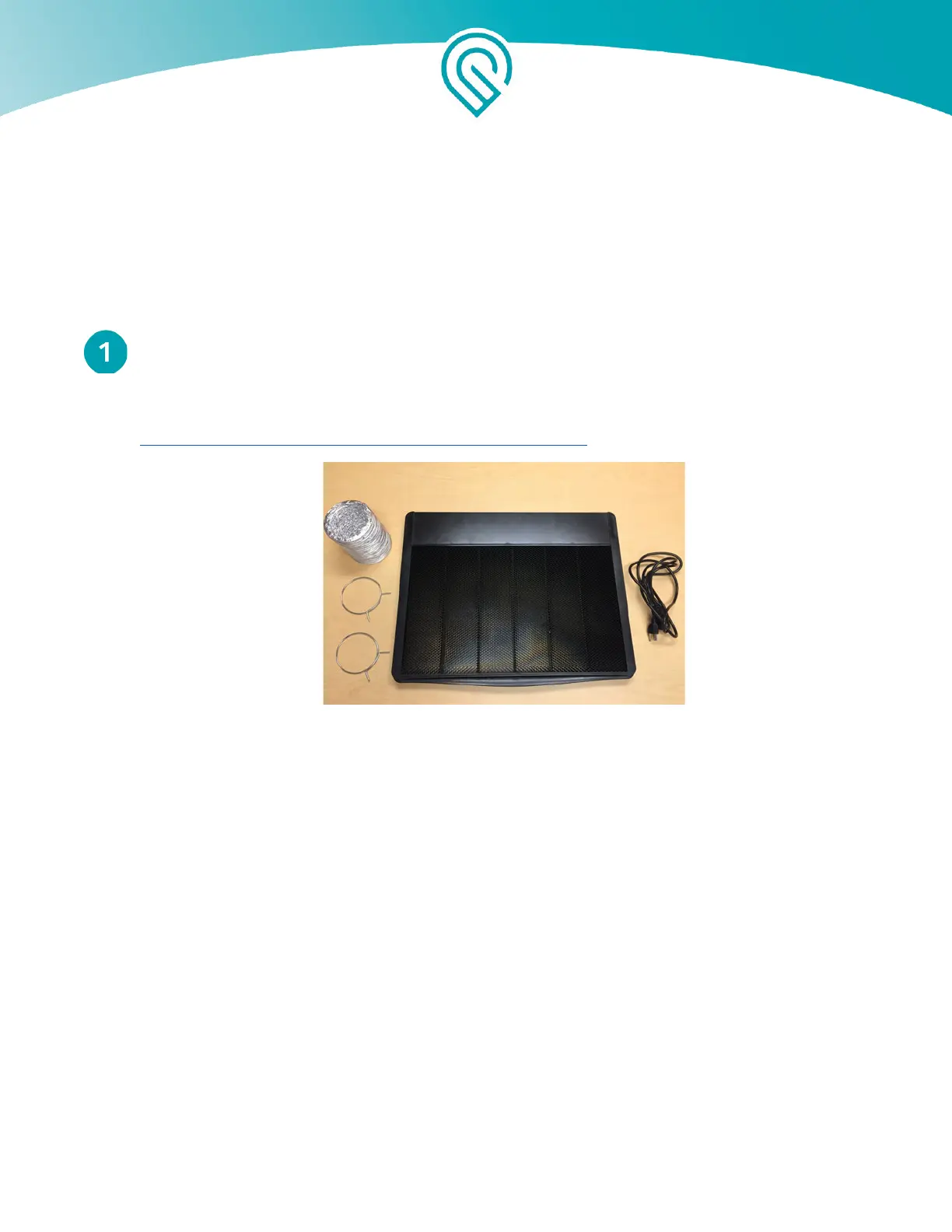
Take the exhaust hose and two ring clamps that came with your Glowforge Printer. If you
would like a new one, you can purchase a new one in the Glowforge shop:
https://shop.glowforge.com/products/hose?taxon_id=57
Your Glowforge printer came with an accessory
pack that includes the exhaust hose and two
ring clamps (shown on the left side)
If you are using the exhaust hose to vent to the outside, you may reuse the hose, and you
may skip this step since the hose is already connected to your Glowforge.
Squeeze the two ends of the ring clamp together to make it larger, then slide the end over
the hose.
While squeezing the ring clamp again, slide the hose and the clamp over the the exhaust
connection on the back of your Glowforge printer. The clamp pressure will hold it in place.
Let go. Check that the clamp is holding the exhaust hose tightly to the exhaust connection.
Make sure the hose does not come off with a gentle tug.
Copyright Glowforge, Inc. 2020 12



 To Next Page