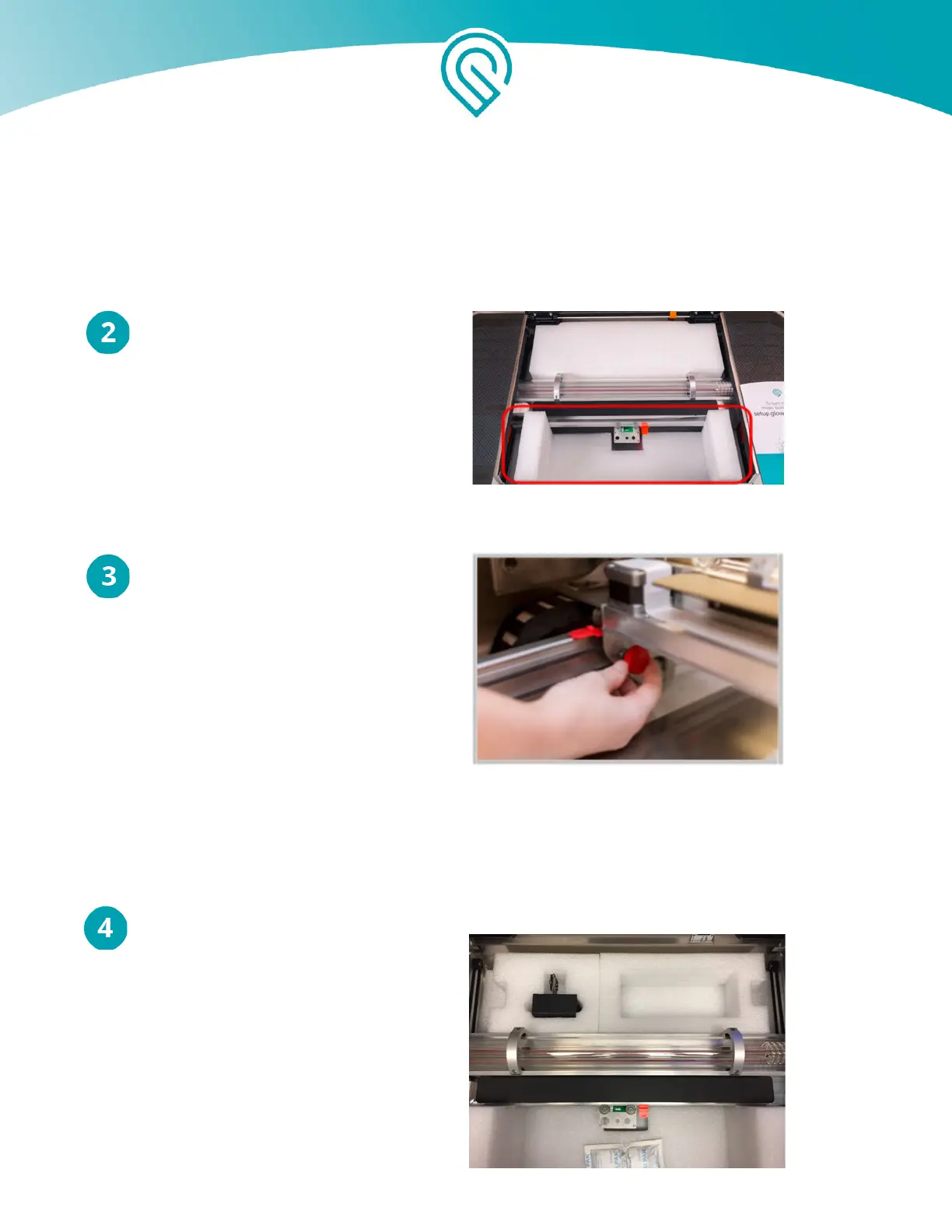
Remove the Front Foam Block
Gently pull out the foam closest to
the lowered front door.
Remove Knobs
To the left and right, you’ll find red
knobs. Unscrew and pull them out.
Reveal Printer Head and Lens Tool
Remove the top layer of the rear foam
block to reveal your printer head
and lens tool.
Copyright Glowforge, Inc. 2020 25



 To Next Page