Remove Rear Foam Block
Gently remove the rear foam block, including the Printer Head and lens tool.
Set these aside for now. Don’t worry! You’ll power up your Glowforge in mere minutes.
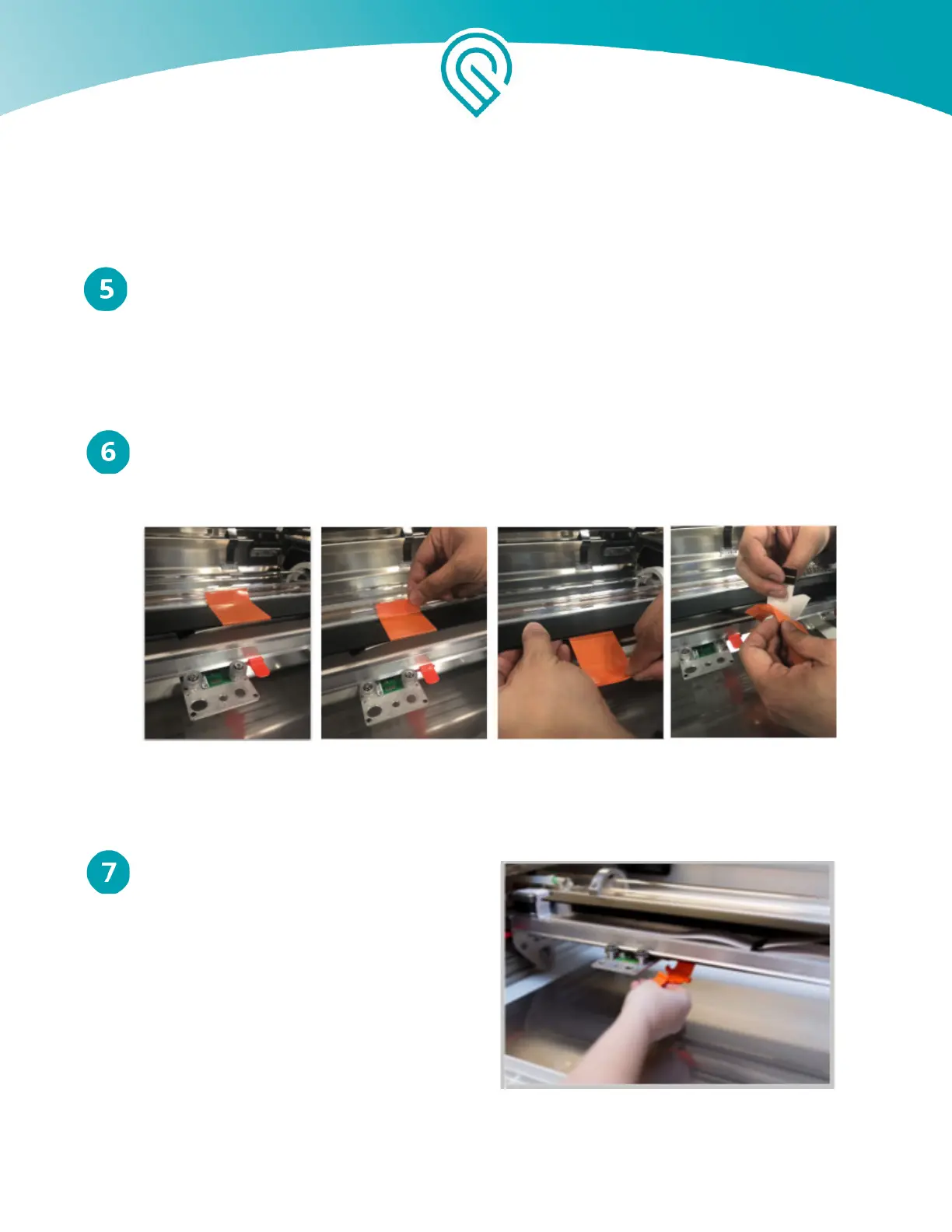
Remove Orange Tape from Laser Arm
Pull the tape from the point farthest away from you towards you, then gently remove it from
the wire ribbon. You don’t need to save the tape!
Remove Clip
Under the glass tube, you’ll find an orange
clip. Push down on it and it will pop off.
Copyright Glowforge, Inc. 2020 26



 To Next Page