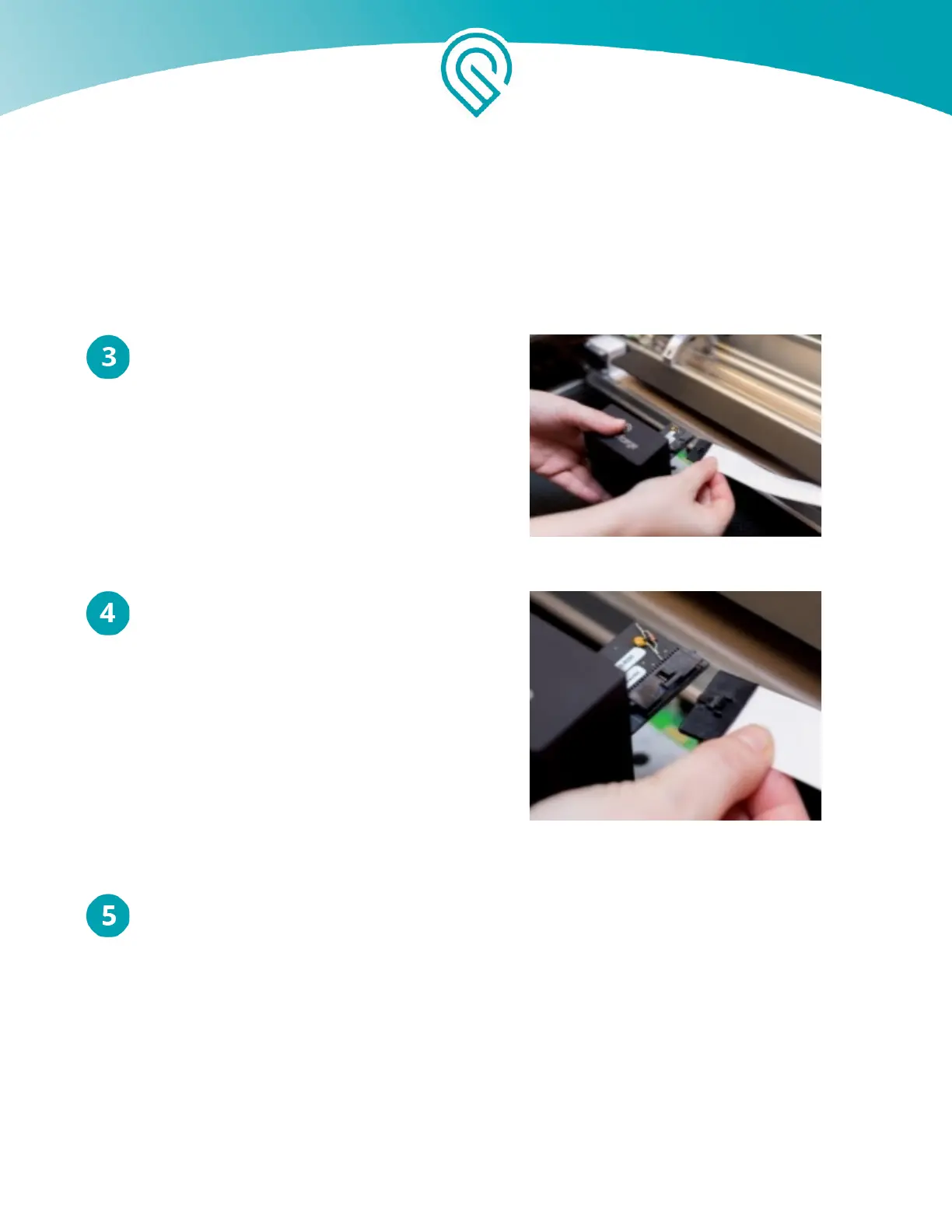
Pick Up the Wire Ribbon
Holding only the finished black surfaces of
the printer head, pick up the printer head
and wire ribbon as shown.
Slide the Ribbon Into the Head
Make sure the tab on the wire ribbon is facing up.
Slide the ribbon into the head until it clicks.
Attach the head
As shown, lower the printer head over the metal plate so that it rests next to the two round
posts. Then push it gently away from you – you’ll feel a “click” as magnets pull the printer
head until it sits snugly atop the metal plate.
Copyright Glowforge, Inc. 2020 31



 To Next Page