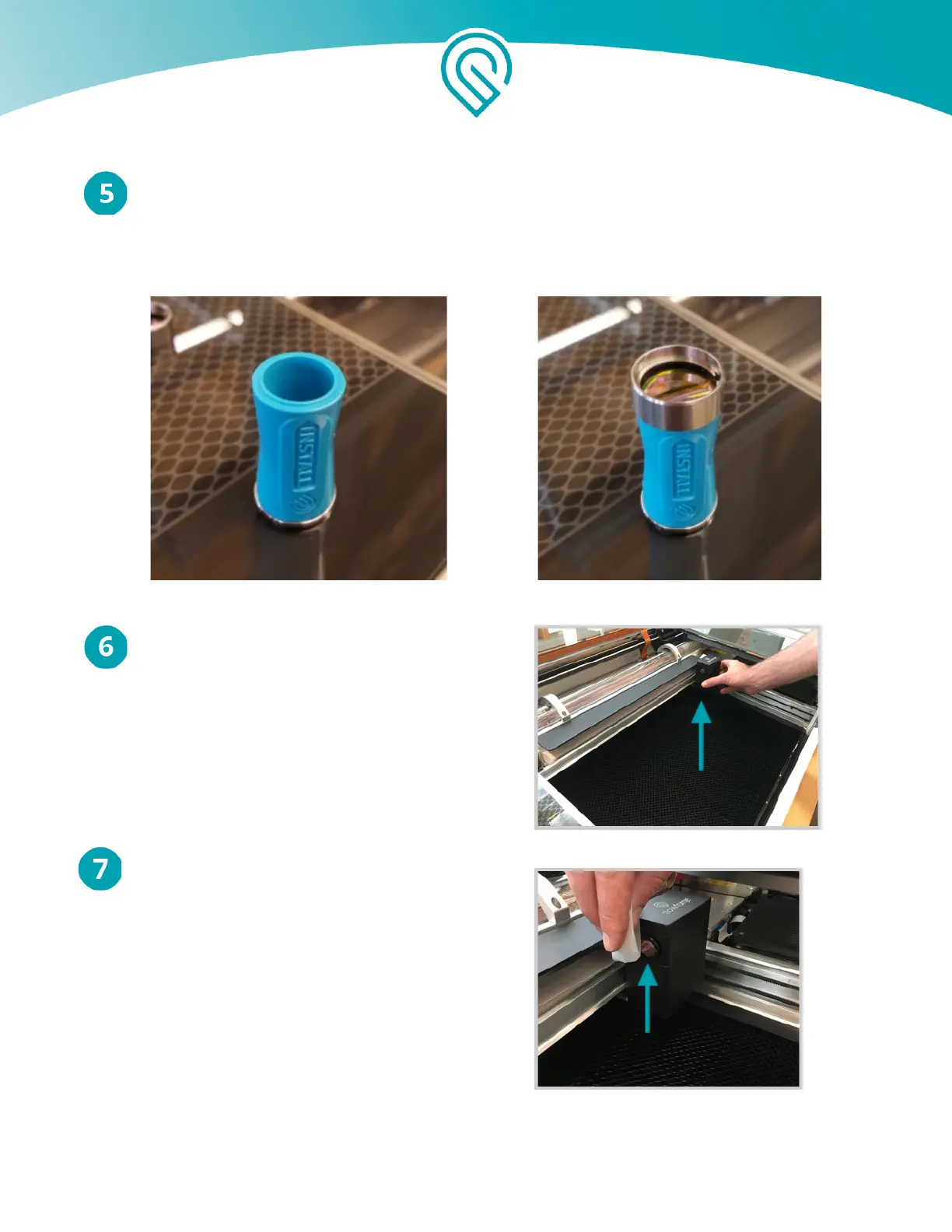
Flip the lens tool until the “Install” arrow points up. Set the lens down on the lens tool.
The open side goes away from the blue plastic, so it looks like a bowl on top of the tool.
It will sit firmly on the tool and will not wiggle. Slide the lens tool up into the printer head
until the magnet clicks, then remove the tool.
Review instructions for snapping in your
printer head , then put the head back on.
Wipe the window on the left side of the head.
Copyright Glowforge, Inc. 2020 43



 To Next Page