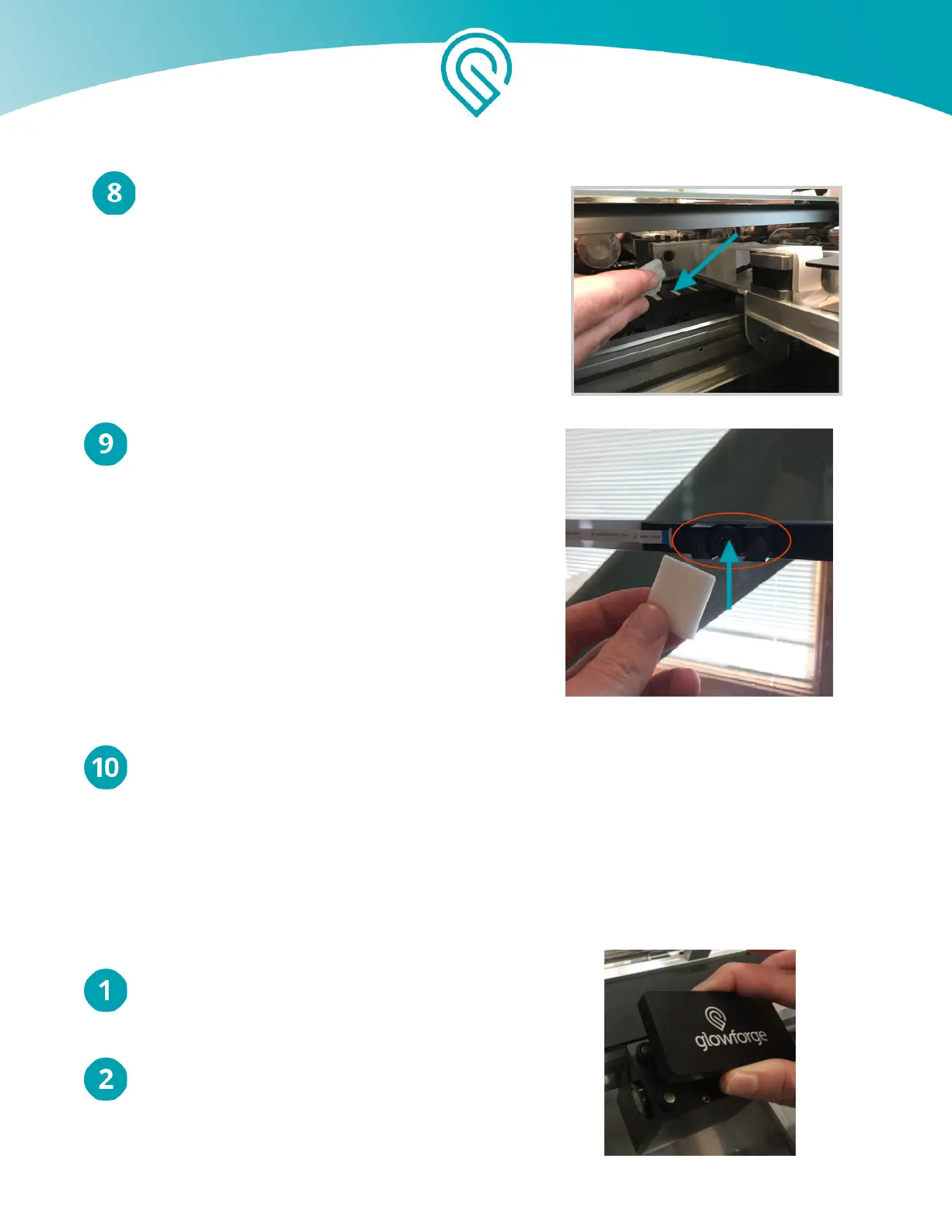
Carefully reach over the left rail and wipe
the laser window on the left side of the bed.
Finally, gently wipe the lens of the wide angle
camera on the unit’s lid.
It’s normal for some dust to accumulate inside your Glowforge. It is not necessary, but you
can wipe the laser tube or the inside of the case with additional ZEISS cleaning wipes. Allow
any moisture to dry completely before turning on your Glowforge again.
Wiping the Mirror in the Printer Head
After approximately every 120 hours of printing, use ZEISS lens cleaning wipes (available on Amazon
and many other stores) to clean the mirror in your Printer Head.
Turn off your Glowforge.
Open the lid and gently move the Printer Head
to the center of the laser arm.
Copyright Glowforge, Inc. 2020 44



 To Next Page