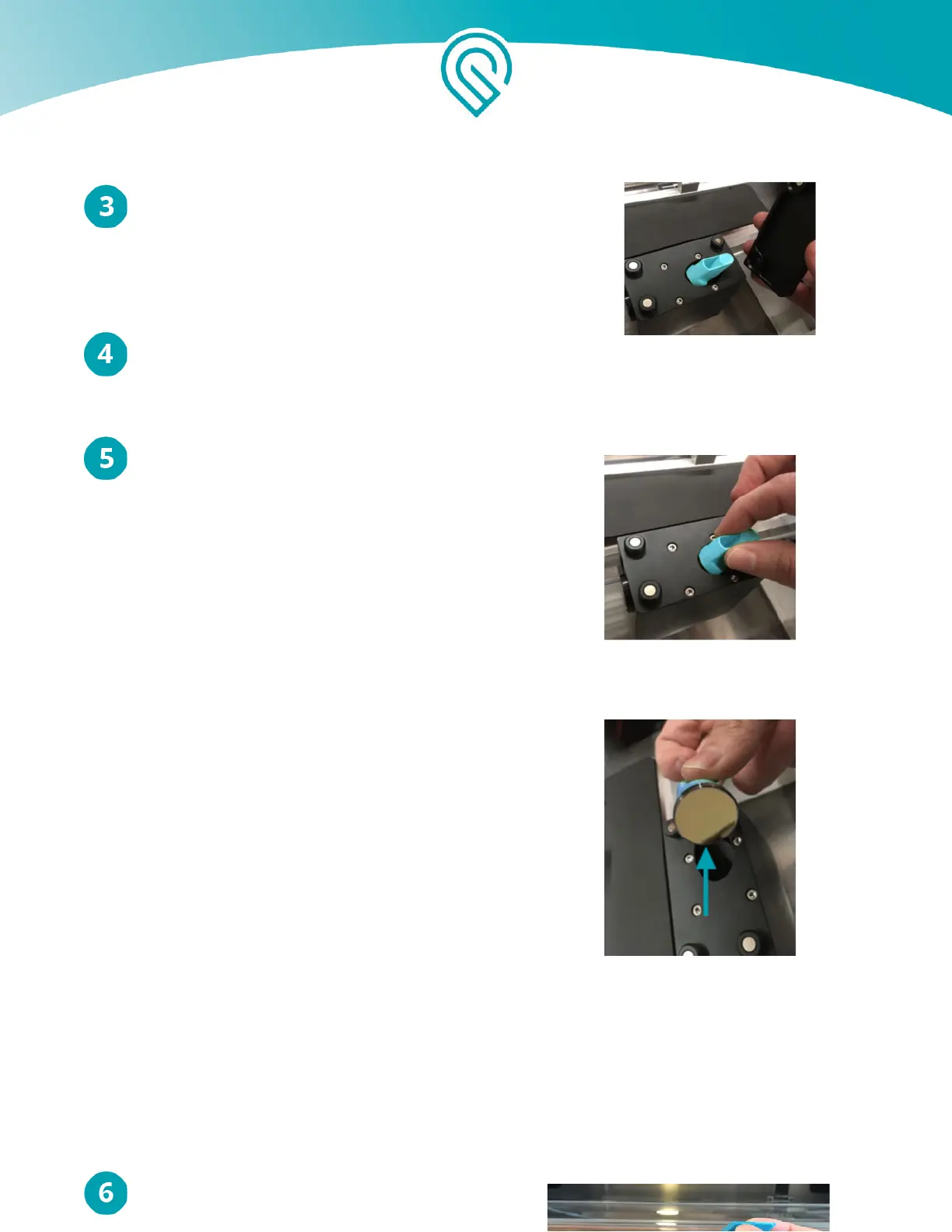
The top of the Printer Head is held on by strong
magnets. Grasping only the top, pull up carefully
to remove it and set it aside.
Gently pick up the mirror.
Inspect and clean the mirror.
● Be careful not to touch the mirror surface
with your bare fingers.
● Using a Zeiss wipe, gently wipe the surface
of the mirror.
● Use several passes until the mirror is clean,
each time moving to an unused portion of the
lens wipe.
● If the mirror has a spot in the middle of
it after cleaning, or is generally unable to
be cleaned to a reflective finish, it needs
to be replaced. Please take a photo, share
it with us, and skip the rest of these
instructions.
Copyright Glowforge, Inc. 2020 45



 To Next Page