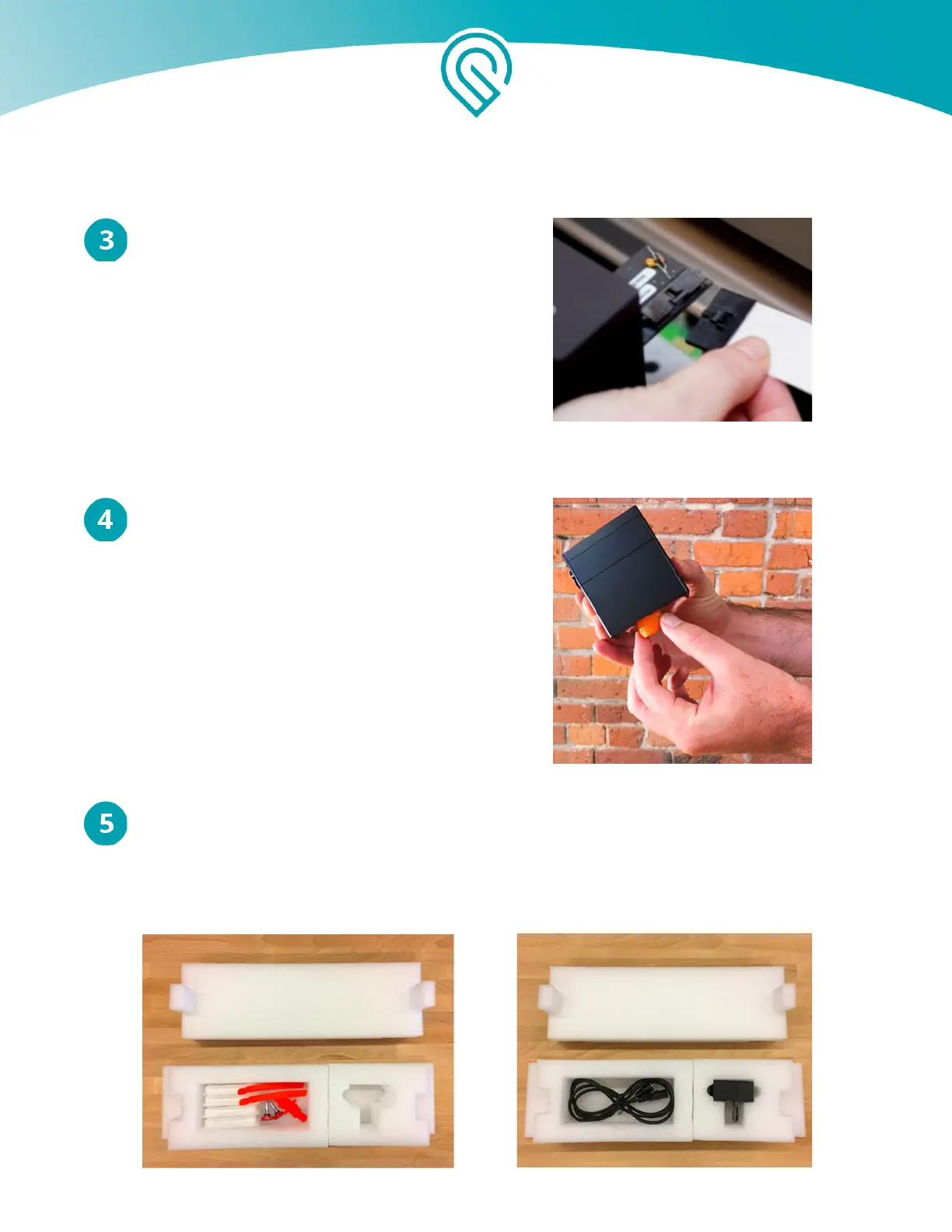
Unplug the Wire Ribbon
Push down fully on the wire ribbon tab to unplug
the wire ribbon from the printer head. Pull the wire
ribbon gently away and tuck it into the laser arm.
Insert the Orange Foam
Being careful to only touch the finished black
surfaces, insert the orange foam into the head
Place Printer Head and Power Cord in Foam Block
Remove all the packaging pieces stored in the white rear foam block. Gently lay the
printer head and power cord into the foam as pictured. (Note: Do not return power cord during a
repair or warranty replacement.)
Copyright Glowforge, Inc. 2020 52



 To Next Page