Your First Prints
Welcome to the Glowforge App
We know you’re eager to get printing, so we’ve provided a little guidance for your first prints. These will
get you familiar with the basics of creating with your Glowforge.
There are three ways to start printing:
● You can open a design that’s already there - we’ve started you off with a few of our favorites.
● You can trace a sketch to turn it into a digital design that you can print.
● You can start with a digital design, like a digital photo or a file made in Inkscape or Adobe
Illustrator.
● You can also design right in the app in minutes using Glowforge Premium features. (Glowforge
Premium is free right now while it’s in Beta - you can learn more here )
Enjoy!
1: Gift of Good Measure
Measure this moment
We want you printing beautiful things as fast as possible, so we set you up with a precise tool to put on
your keychain or hand out to friends. Make it in metric or imperial!
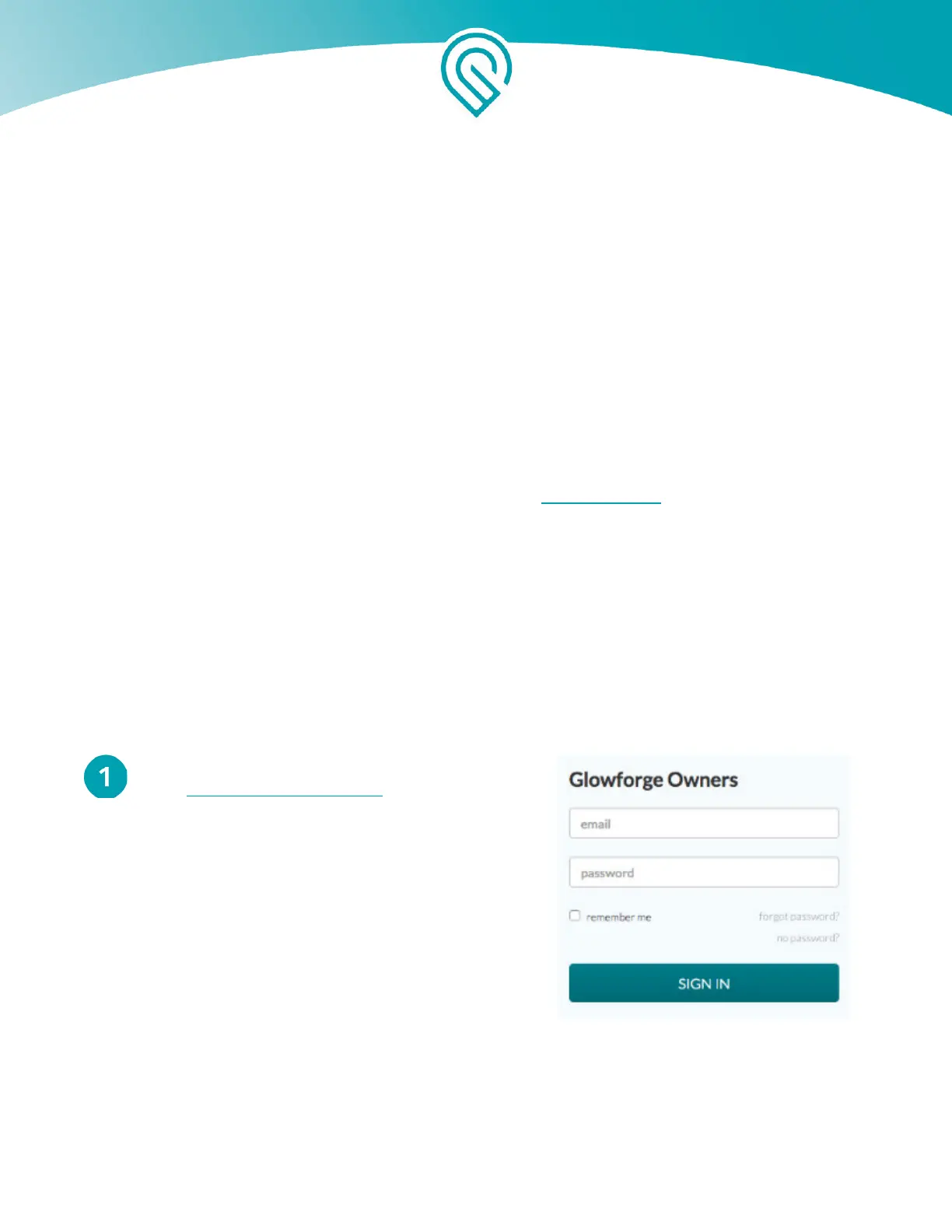
Sign In
Go to https://app.glowforge.com and sign in.
Copyright Glowforge, Inc. 2020 59



 To Next Page