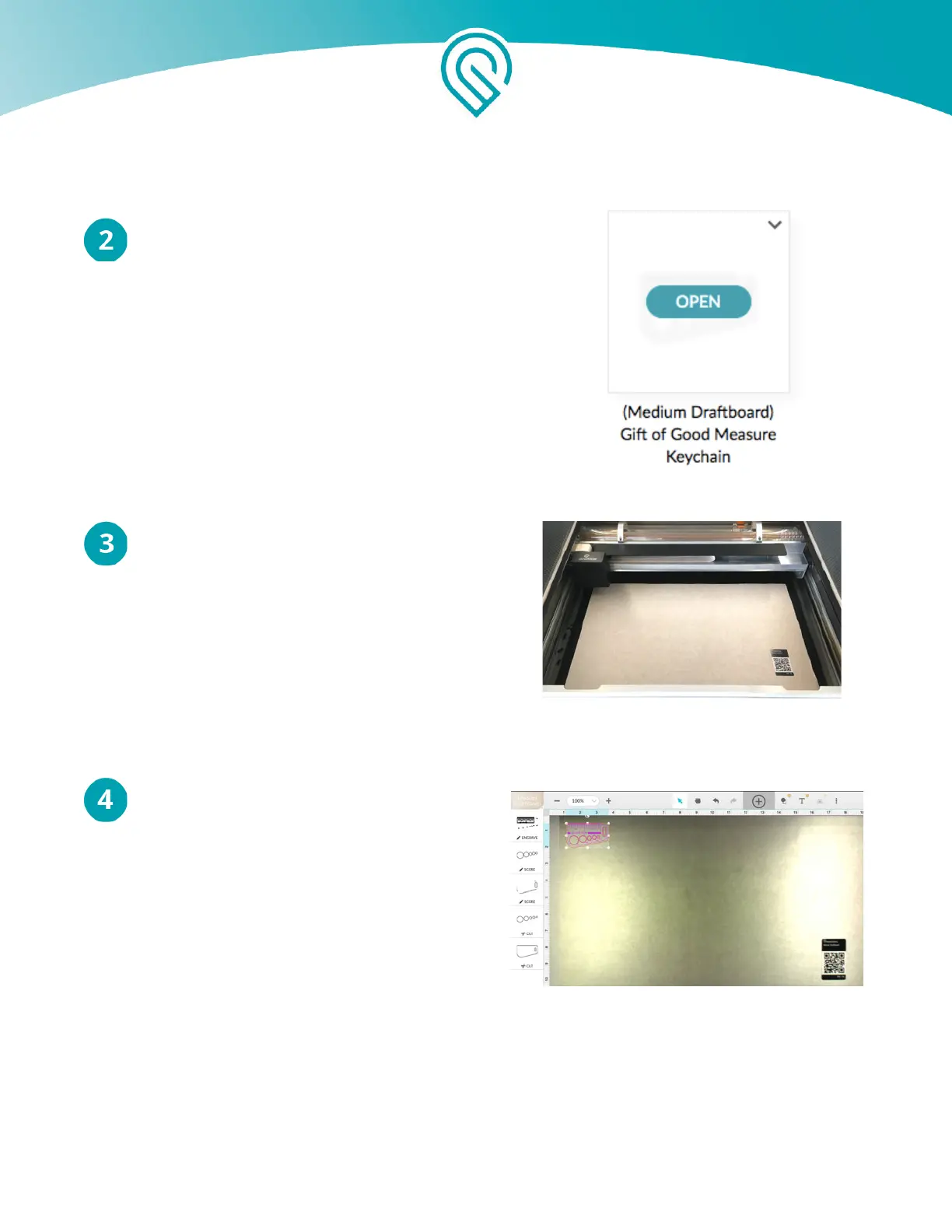
Hover over the design titled "Gift of Good Measure
Keychain" and click "Open"
Place Your Material
Open the lid of your Glowforge. Choose a piece
of medium Proofgrade™ Draftboard and place it
in the center of the bed. Make sure the barcode
is clearly visible on the material. Close the lid
completely.
Drag Your Design Into Place
You will see an image of your material in the
Workspace. Click and drag the design onto
your piece of Draftboard. It will print
approximately where you place the outline. A
flame-up is more likely when you cut along the
edge of the material, so don’t put it right on the
edge.
Copyright Glowforge, Inc. 2020 60



 To Next Page