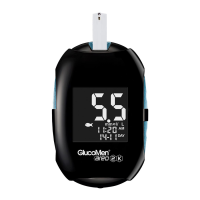
How to perform a test.
1. Wash your hands with soap and water.
2. Take a test strip from the vial and immediately
put the lid back on.
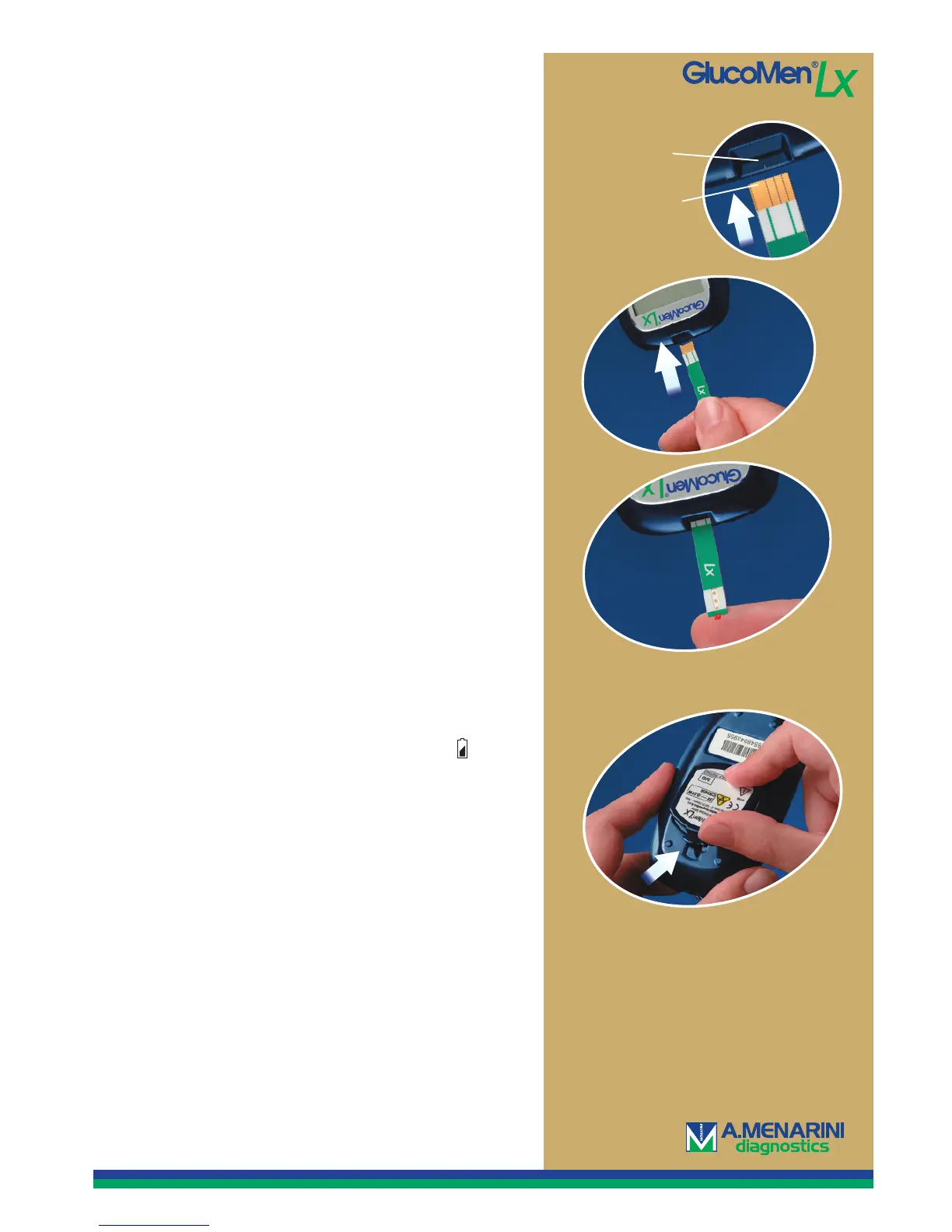
3. Put the gold-coloured contact area of the strip in
the test strip port of the meter.
No coding required!
4. The meter shows a blinking blood drop and is now
ready to perform a measurement.
5. Lance yourself in the fi nger, or at an alternative site
area with the lancing device (see the manual).
6. Set the blood drop against the short end of the test
strip, which automatically will draw up the right
amount of blood. The meter counts down and
the result is obtained in 4 seconds. If the test strip
does not get enough blood, the measuring will
not start.
7. When you have read your blood glucose value, take
out the test strip and discard it. The meter shuts off
automatically.
3.
6.
Test strip port
Contact area
Quick Guide to GlucoMen LX
Customer support 040-32 12 70 or info@menarinidiagnostics.se
Changing the battery.
GlucoMen
®
LX is powered by one CR2450 battery.
When battery strength is low, the meter shows in
the upper right-hand corner and a blood drop in the
lower left corner. You then have power for approxima-
tely 20 additional measurements. The battery symbol
will remain until you have changed the battery.
Contact our customer support at tel. 040-32 12 70, and
we will send you a new battery free of charge.
1. Open the battery cover on the back of the meter
by pressing down with your nail.
2. Pull the plastic strip so that the battery comes out
3. Put in a new battery with the ”+” symbol facing up
and put the cover back on.
4. Set the time and date. (See page 1.)



 To Previous Page
 Loading...