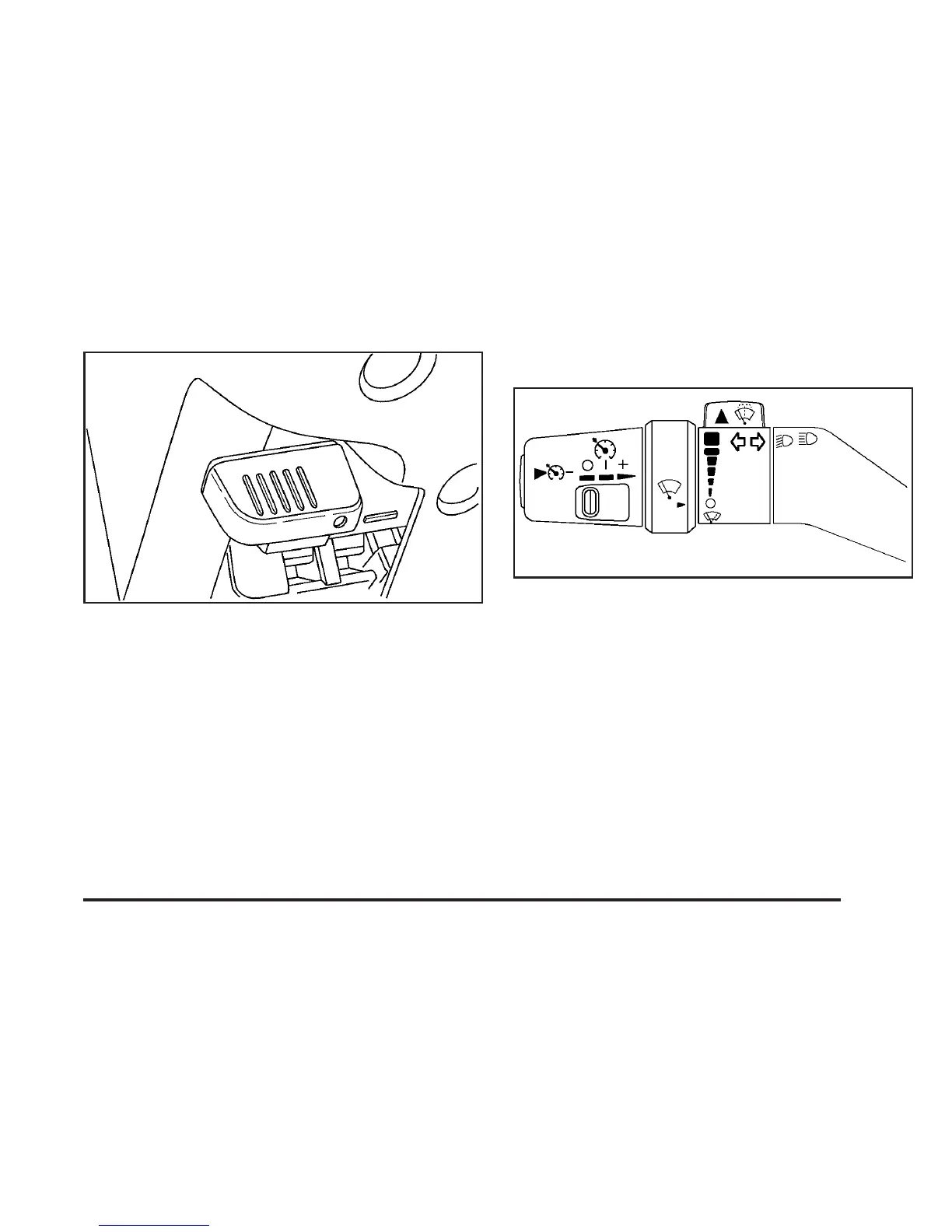
The tilt lever is located on the left side of the
steering column, under the turn signal lever.
To tilt, hold the steering wheel and pull the tilt lever
toward you. Move the wheel to a comfortable level,
then release the tilt lever to lock the wheel in place.
Do not adjust the steering wheel while driving.
Turn Signal/Multifunction Lever
The lever on the left side of the steering column
includes the following:
• G Turn and Lane Change Signals. See
Turn Signal/Multifunction Lever on page 159.
• 53 Headlamp High/Low-Beam Changer.
See Headlamp High/Low-Beam Changer on
page 161.
• Flash-to-Pass. See Flash-to-Pass on page 161.
159


 To Next Page