Need help?
Do you have a question about the Go Power GP-RVC-R and is the answer not in the manual?
Initial screens displayed when the controller is first powered on.
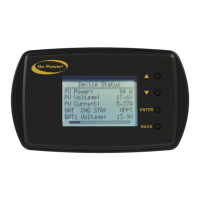
Displays PV Voltage, Current, Battery Voltages/Currents, and Status.
Provides detailed status information and navigation through different screens.
Accesses and modifies controller settings and commands.
Process for connecting the remote to a mobile device via Bluetooth.
Displays status information on the mobile app for 10A and 30A controllers.
Indicates battery State Of Charge (SOC) based on battery voltage.

 To Next Page

 General