Power Management
1. Power Supply
Built-in large capacity lithium battery 3.7V/3000mAh.
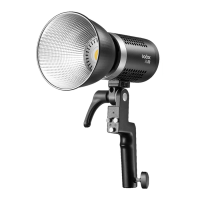
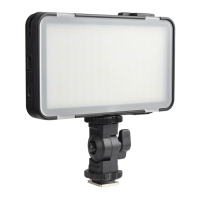
● LEDM150 is able to provide the maximum brightness continously up to 60 minutes
when fully charged.
Note: The indicator light is to display the battery level, when the light is blinking,
please charge in time.
2. Charging the Battery
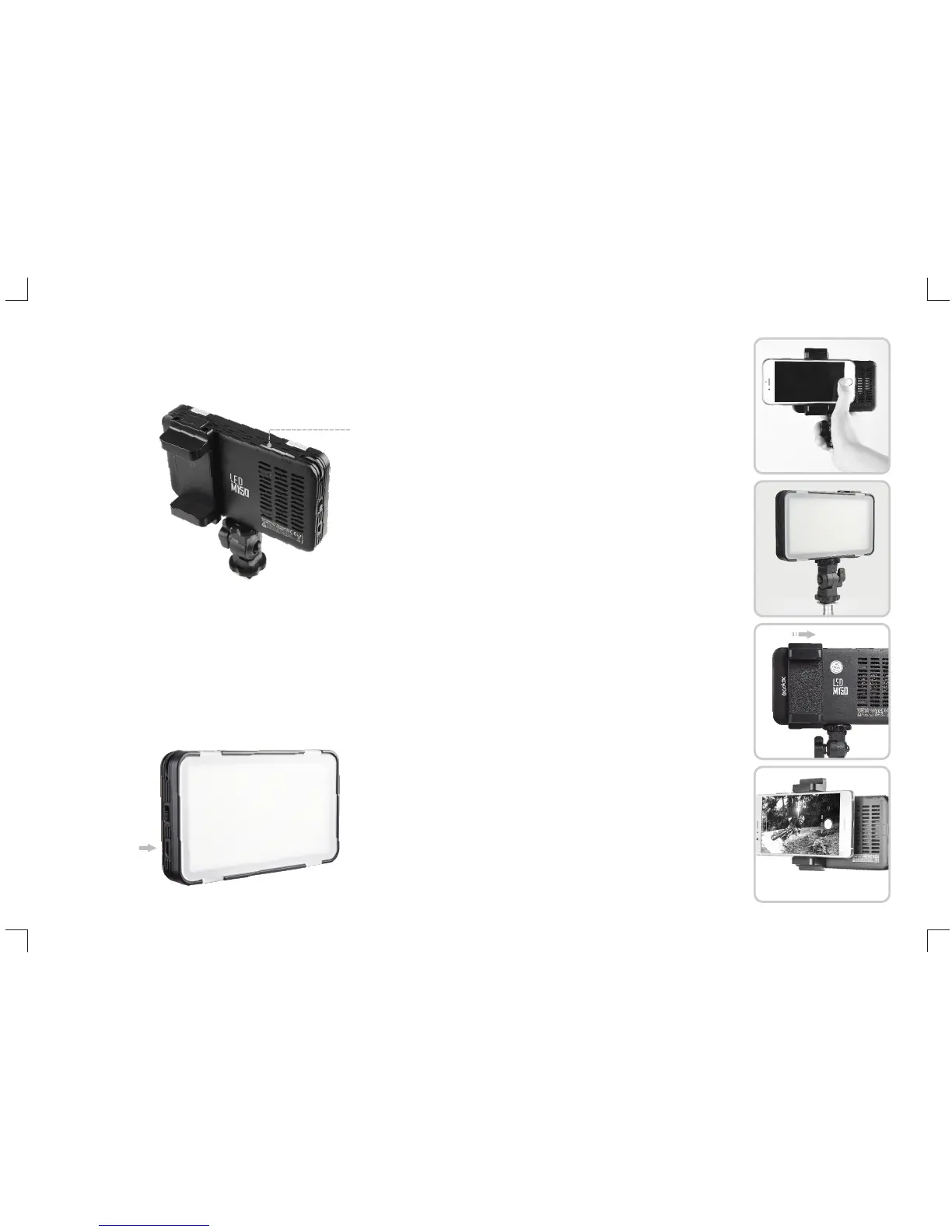
● Insert the mobile phone charger to the USB Port, after 4 hours, the light can be fully
charged (with 5V1A charger).
The Status Indicator Lamp lights up when charging and turn off when the battery is
fully charged.
Using the Video Light
1. By the Handle
● Install the L-type Bracket onto the 1/4" Bracket
Mounting Hole.
● tighten the upper locking ring of the L-type Bracket.
2. On the Light Stand
● Install the L-type Bracket onto the 1/4" Bracket
Mounting Hole and tighten the upper locking ring
of the L-type Bracket.
● Install the light stand onto the 1/4" Bracket
Mounting Hole.
3. On the Mobile Phone
● Push into and lock the Mounting Bracket from the
right direction of the light, pull out from the
opposite direction of pushing in.
● Install the Mobile Phone onto the Mounting
Bracket.
Battery Indicator
USB Port


 To Next Page