Power Management
1. Power Supply
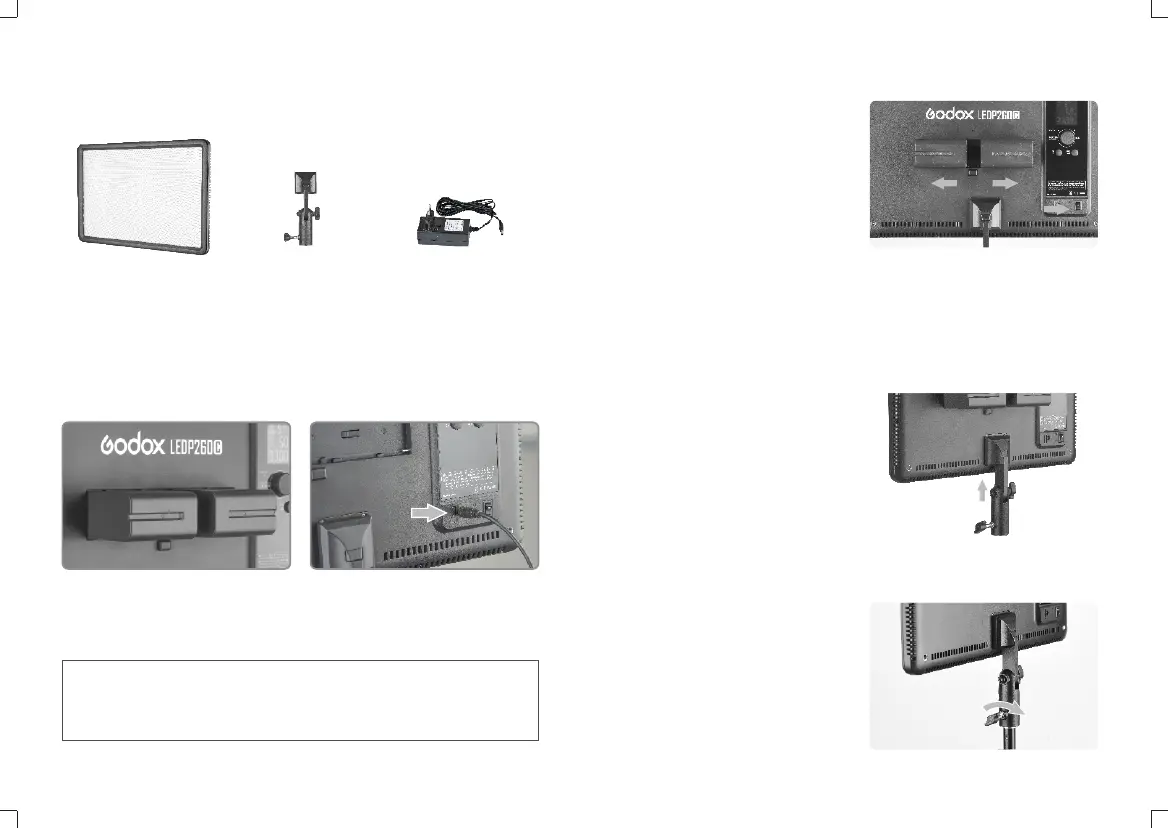
Two power supply modes are available:
• Using lithium battery: Put two SONY
NP-F970 model lithium batteries
(purchased separately) into the battery
compartment separately.
Note:
• When using lithium battery, the Battery Level Indicator is displayed on the LCD panel.
When the indicator blinks, the lithium battery power is low. Please recharge it
immediately before usage in order to avoid forceful auto off.
• Using DC power jack: This light can be
powered by DC power supply. Use a
13~16.8V adapter (included) to connect
the light with the DC power jack.
2、Installing Lithium Battery
• Turn the Power Switch off.
• Target the socket of the lithium battery
towards the “+” “-” contacts of the
Battery Compartment. Push the
battery in until it locks.
• Power the light on.
• After using the light, please power it
off.
Using the Video Light
1、By the Handle
• Install the Detachable Handle into the Handle Install Groove.
2、On the Light Stand
• Screw the Light Stand Locking Ring to the highest point and install the video light.
• Tighten the Light Stand Locking Ring.
What's in the Box of LEDP260C?
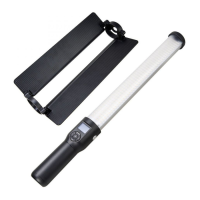
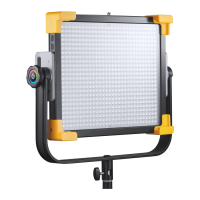
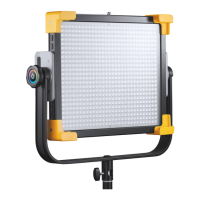
LED Video Light *1 AC Adapter *1Detachable Handle*1
- 09 - - 10 -



 To Next Page