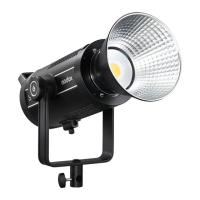
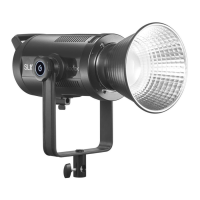
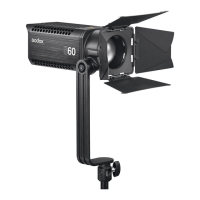
What's in the Box
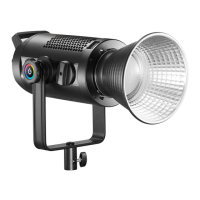
SL600IID
*1
LED Bowens-mount
Reector *1
Protection Cover
*1
Power Cord
*1
Instruction
Manual *1
Optional Accessories
Operation Instruction
1. Power Source
Connect the LED light to power source with power cable. Then, press the
power switch to turn it on/o.
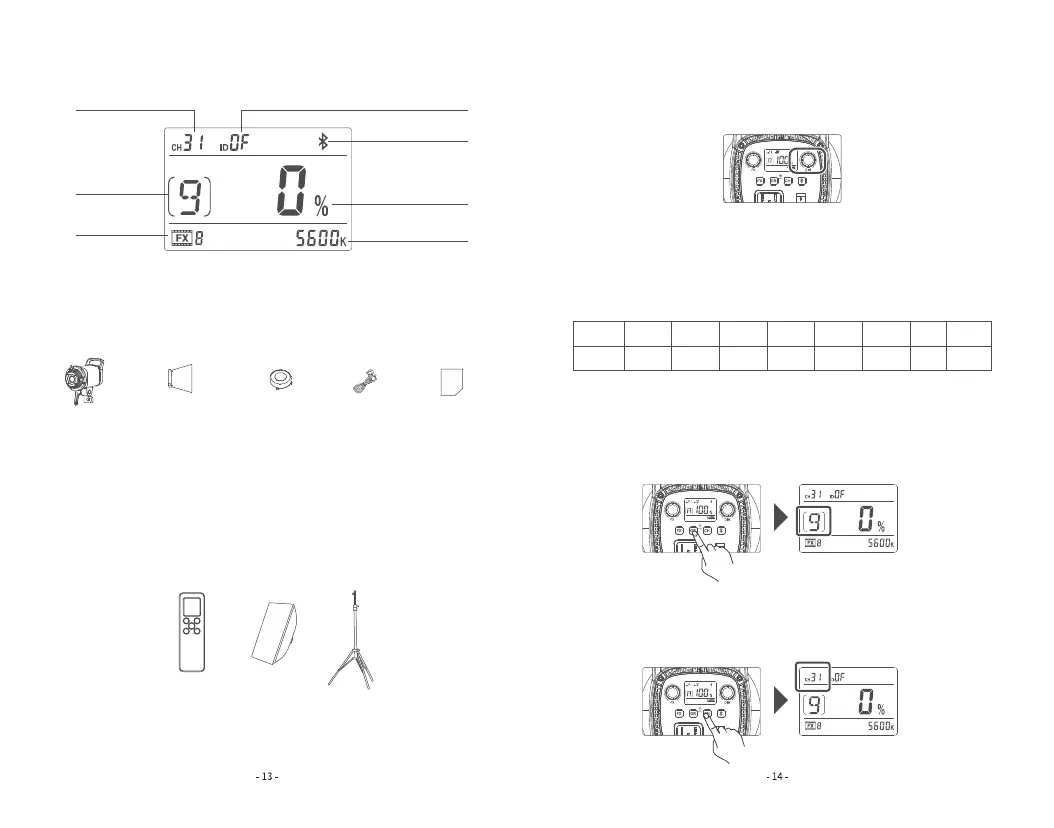
LCD Panel
①
②
③
④
⑤
⑥
⑦
1.Channel 2.Group 3.Light Eects 4.ID 5.Bluetooth
6.Brightness Adjustment Ratio 7.CCT Value
2. Brightness Adjustment
Turn the DIM dial to adjust brightness from 0% to 100%. Turn leftwards to
decrease the brightness value by 1 unit while rightwards to increase by 1 unit,
with quick adjustment available.
3. FX Mode
Sho press the FX button to enter or exit the FX mode. When exiting the FX
modes, FX icon will not be displayed on the LCD panel. While the FX icon will
be displayed when entering the FX mode. Then, turn the FX select dial to
choose one mode among the 8 special eects modes to achieve creative
shooting.
4. 2.4G Wireless Setting
4.1 Group setting: Sho press the GR button and the GR values will be blink-
ing on the display. Turn the DIM dial to adjust groups from 0 to 9 and A to F,
turn the dial leftwards to decrease the value while rightwards to increase. Then,
sho press the GR Button again to exit from GR setting.
4.2 Channel setting: Sho press the CH button and the CH values will be
blinking on the display. Turn the DIM dial to adjust channels from 1 to 32, turn
the dial leftwards to decrease the value while rightwards to increase. Then,
sho press the CH button again to exit from CH setting.
Display
Scene
FX1
Flash1
FX2
Flash2
FX3
Flash3
FX4
Storm1
FX5
Storm2
FX6
Storm3
FX7
TV
FX8
Broken
bulb
The product can be used in combination with the following accessories sold
separately, so as to achieve best photography eects: RC-A6 Remote Control,
Softbox, Light Stand, etc.
Note: Due to continuous updates and upgrades of the products, there may be
dierences between the actual products and the pictures. Therefore, the
pictures are for reference only.



 To Next Page