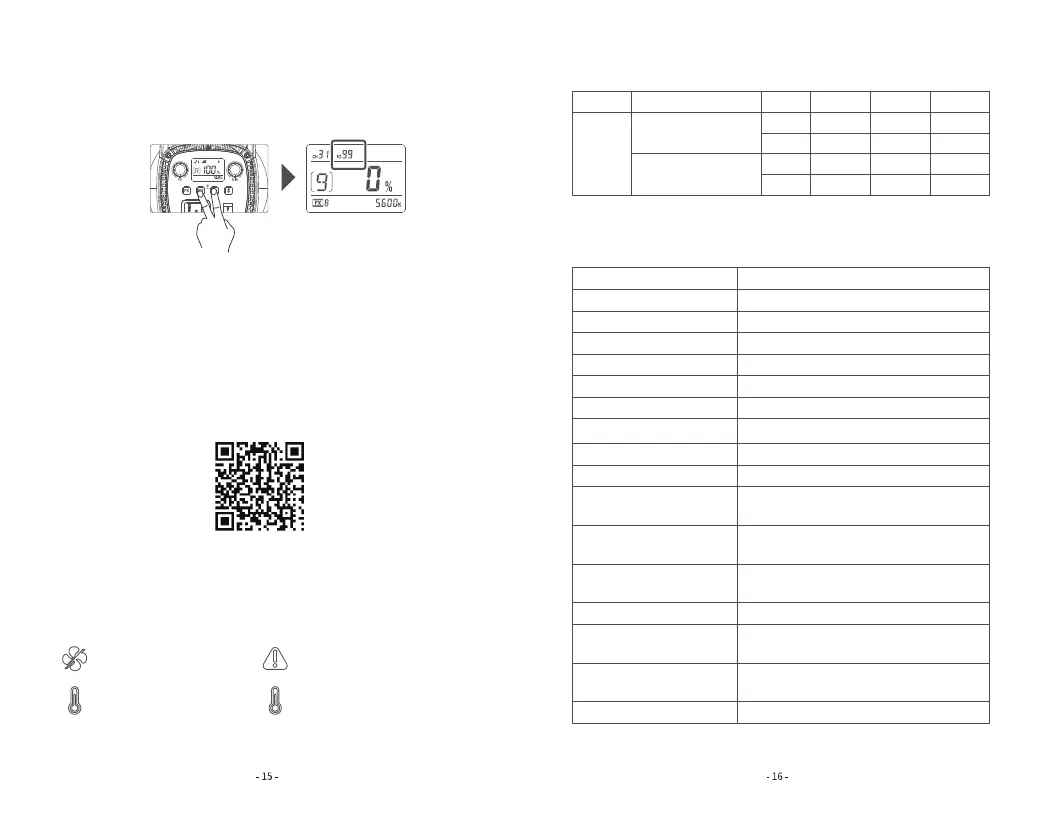
4.3 ID setting: Long press the CH and GR button together until the ID values is
blinking on the display. Turn the DIM dial to adjust IDs from OFF and 1 to 99,
turn the dial leftwards to decrease the value while rightwards to increase. Then,
long press CH and GR button again to exit from ID setting.
5. Bluetooth Setting
5.1 Bluetooth MAC code checking: Sho press the Bluetooth button once
and the Bluetooth MAC code is displayed.
5.2 Bluetooth reset: Long press the Bluetooth button until the Bluetooth icon
is blinking because of resetting. And the icon will stop blinking in 3 seconds
after being successfully reset.
5.3 Connect to smaphone: Scan the QR code to download the "Godox
Light" smaphone APP (can be used in Android and Apple). For more sma-
phone APP operations, please open the “help" in APP to gain detailed
guidance.
Note: The APP can be used directly on the rstly installed device (smaphone or iPad). When
change to other mobile device (smaphone or iPad), the light shall be reset before the normal
connection of APP.
Failures Reminder
lighting indicates fan failure.
ashing indicates high temperature
protection status and light
automatically enters the shutdown
procedure.
lighting indicates high
temperature alarm.
ashing indicates failure.
Illuminance Data
CCT Testing Condition Unit 1m
5600K
2m 3m
Bare lamp
With reflector
lux
fc
lux
fc
2160
200
18600
1720
552
51.3
3700
344
264
24.5
1450
135
All the above tests are based on the condition of 100% brightness.
Model
Power Supply
Power
CCT
Channel
Group
ID
CRI
TLCI
FX Type
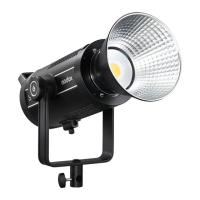
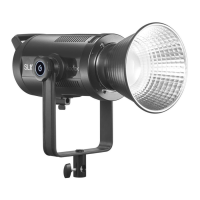
SL60IID
Technical Data
100V-240V~50/60Hz 0.7A
Max.70W
5600±200K
32
16(A,B,C,D,E,F,0-9)
1-99/OF
≥96
≥97
8
2.4GHz Wireless/Bluetooth/Light Body
Control
≈30m
≈30m
0%-100%
-10℃-40℃
140mm*236mm*215mm
1.43kg
Specication and design may subject to changes without notice.
2.4GHz
Transmission Distance
Bluetooth
Transmission Distance
Brightness Range
Working Environment
Temperature
Dimension
(unfolded without reector)
Net Weight≈
Control Method



 To Next Page