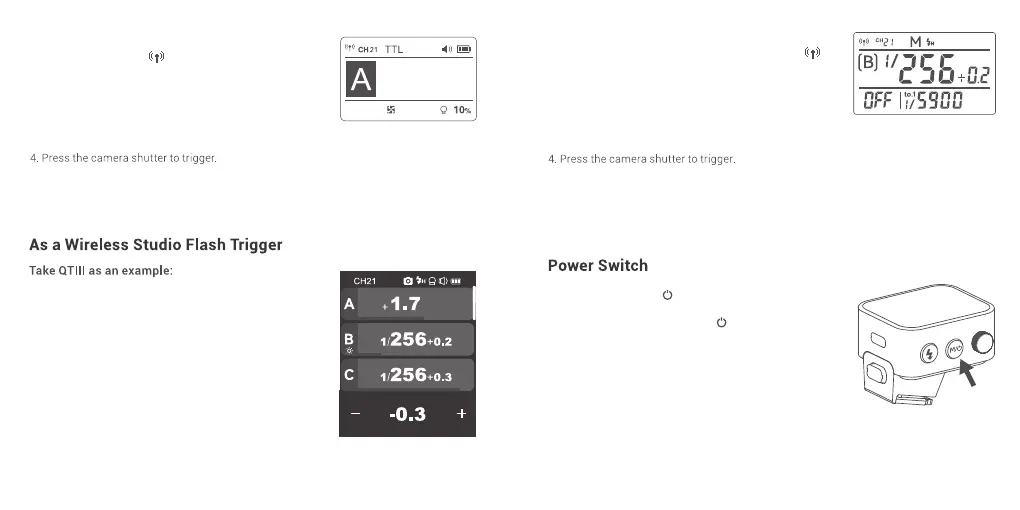
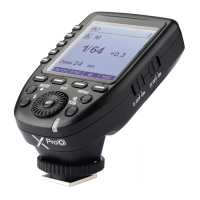
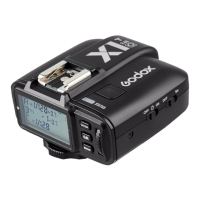
1. Turn off the camera and mount the flash trigger
on camera hot shoe. Then, power on the flash
trigger and the camera.
2. Slide the screen of X3 O down from the top to
display <Setting>, press <Setting> to enter C.Fn.
menu, then press <Wireless> to set CH and ID. Slide
the screen from the left to the right to return to the
main interface, on which you can set the flash
mode and output power level of groups.
Note: please refer to the relevant instruction manual when
setting the studio flashes of other models.
Press and hold the <M/ > button until “Godox”
icon is displayed on the panel, means the device is
turned on. Press and hold the <M/ > button in
power on status until the panel blacks out, then the
device is turned off.
Note: In order to avoid power consumption, turn off the
device when not in use. Please set the standby time
(30min/60min/90min) in <Setting> — <Auto Off>.
If the flash trigger is in low battery level, please charge it
before put it aside.
Note: As the studio flash’s minimum output value is 1/32, the output value of the flash trigger
should be set to or over 1/32. As the studio flash do not have TTL and multi flash functions, the
flash trigger should be set to M mode in triggering.
3.Connect the studio flash to power source and power it
on. Press the MODE/Wireless button to make the < >
displayed on the panel and enter 2.4GHz wireless mode.
Press and hold the <GR/CH> button to set the same
channel to the flash trigger, and press the < GR/CH >
button to set the same group to the flash trigger.
3. Power on the outdoor flash and press the wireless
setting button and the < > will be displayed on the
LCD panel. Long press the <GR/CH> button to set
the same channel to the flash trigger, and press the
< GR/CH> button to set the same group to the flash
trigger.
Note: please refer to the relevant instruction manual when
setting the outdoor flashes of other models.
43 44



 To Next Page