6
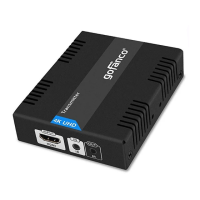
9 HDMI In: Connect your HDMI source here
with an HDMI cable (cable not included)
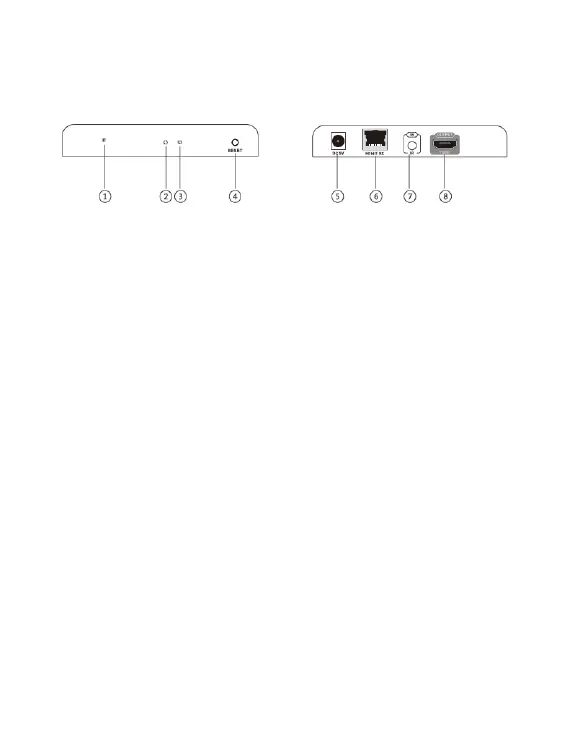
Figure 2: Receiver (RX)
1 Power LED: On when the Receiver is
powered
2 Activity LED: Blinks during data
transmission
3 Link LED: On when the Cat5e/6 cable is
connected/linked properly to Transmitter's
and Receiver's RJ45
4 Reset: Press to reset if HDMI extender
doesn't work properly
5 Power Jack: Connect the included power
adapter here
6 RJ45 In: Link to Transmitter's RJ45 Out
using a Cat5e/6 cable
7 IR In: Infrared 3.5mm socket. Plug IR
Receiver Extension Cable here. See
instructions on page 8.


 To Next Page