8
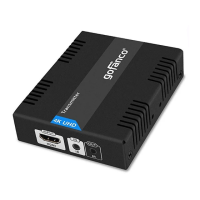
4. Optional: Connect the IR Blaster Extension
Cable to the Transmitter's IR Out port. Face
the eye towards your HDMI source device's
IR window. This connection is needed only
if you need to control your HDMI source
from the remote location.
5. Plug your Cat5e/6 cable between the
Transmitter's RJ45 Out and Receiver's RJ45
In.
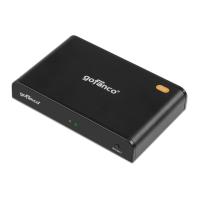
6. Connect your HDMI display to the
Receiver's HDMI output connector with an
HDMI cable (HDMI cable not included).
7. Optional: Connect the IR Receiver Extension
Cable to the Receiver's IR In port. This
connection is needed only if you need to
control your HDMI source device from the
remote location.
8. Plug the included power adapters into the
Transmitter's and Receiver's power jacks,
then plug them into a reliable power source.
9. Power on all connected devices.
10. The HDMI extender is ready for use.


 To Next Page