7
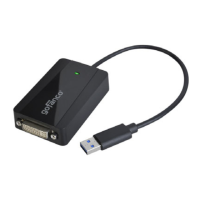
6. At First Connect, connect your second monitor to the
video adapter (use the included adapter if needed).
7. Connect the video adapter to the USB port of the
computer.
8. When the video adapter is detected, the Final Setup
will run automatically.
9. When Installation Complete appears, click Finish.
10. The adapter ready for use.
To Verify Windows Installation
Windows 11 / 10
1. Right click the Start button then click Device Manager.
2. Expand Display Adapters, and USB Display Adapter
should be displayed.
Windows 8 / 7 / Vista / XP
1. Right click This PC / Computer / My Computer on
the desktop, then click Manage.
2. Click Device Manager, expand Display Adapters,
and USB Display Adapter should be displayed.


 To Next Page