EN - 27
EN
3. Press the P-MODE/M. button to finish saving the station (e.g., P01 is now set to 93.1).
4. To save another station, repeat steps 1 to 3. You may save up to 30 FM stations.
USB OPERATION
This unit provides two USB ports for music playback.
1. Press the FUNCTION button on unit to select “USB1” or “USB2” mode.
2. Plug the USB memory stick to the USB port on top of the unit. Playback will start
automatically from Track 1.
3. To pause playback, press the PLAY/PAUSE/PAIR/SCAN button on unit. The playing time
will flash on the display.
4. To resume playback, press the PLAY/PAUSE/PAIR/SCAN button again.
5. To select a desired track, press the : or 9 button respectively during playing until the
desired track appears on the display. The unit will start play automatically.
6. To search for a particular passage during playback, press and hold the : or 9 button to
scan the current playing track at high speed until desired point (passage) appears, then
release the button for normal playback mode.
7. To select a song which track number exceeds 10, press the 10/M./FOLD.+ or 10/M./FOLD.-
button each time to skip forward/backward 10 tracks, then press the : or 9 button to select
desired track.
8. To select a desired folder (if the USB contains more than one folder), press and hold the
10/M./FOLD.+ or 10/M./FOLD.- button each time to skip forward/backward a folder, then
press the : or 9 button to select desired track.
Important: The USB port is intended for data transfer only, the external devices cannot be
charged via this USB port. The use of USB extension cords is not recommended. Don’t
plug the USB from the unit when playing or reading the USB device.
REPEAT PLAY
You can play one track or all tracks on the USB repeatedly.
To Repeat a Single Track
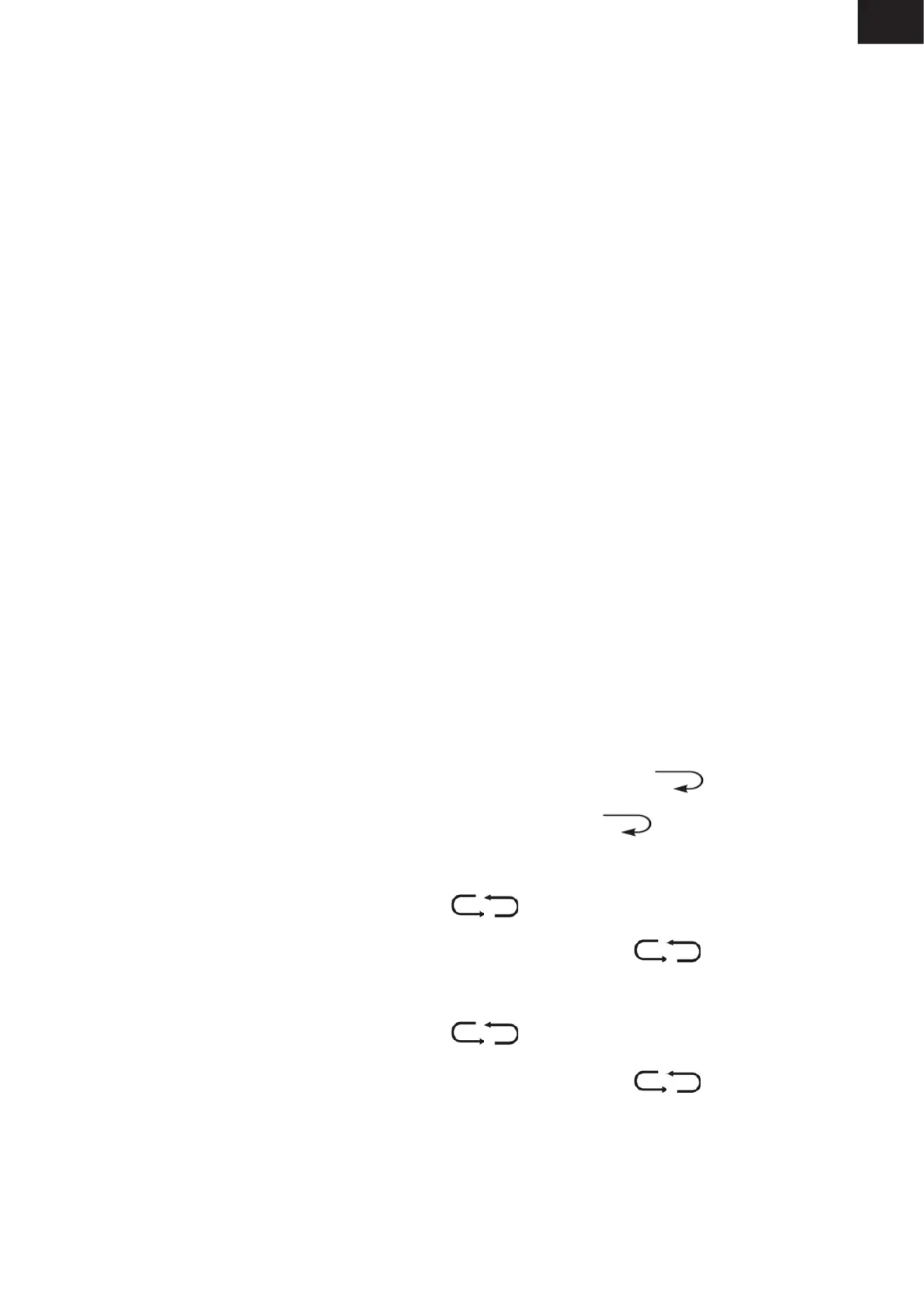
1. Press P-MODE/M. button on unit during play, the display will show “ ” and the current
track will be played over an over again.
2. To cancel repeat play, press P-MODE/M. button on unit until “ ” disappears from the
display.
To repeat all the Tracks
1. Press P-MODE/M. button on unit until the “ ” shows steadily on the display, all tracks
on the USB will be played over and over again.
2. To cancel repeat play, press the P-MODE/M. button on unit until “ ” disappears from
the display.
To repeat the folder (only for USB which contains more than one folder)
1. Press the P-MODE/M. button on unit until “ FOLDER” shows steadily on the display,
the current folder will be repeated over and over again.
2. To cancel repeat play, press the P-MODE/M. button on unit until “ FOLDER”
disappears from the display.
RANDOM PLAY
Press the P-MODE/M. button on unit in play mode till the “RAND” shows steadily on the display,
the random play will start from next track automatically. Press the P-MODE/M. button on unit
again until the “RAND” disappears from the display to cancel.


 To Next Page