7
Switching On/O
To switch on, press and hold until the blue indicator
lights up once.
• If the earphones are already paired with a Bluetooth
device before, it will automatically connect with the
last paired device when both are in pairing mode.
To switch o, press and hold
until the red indicator
lights up once.
3. Activate the Bluetooth feature on your Bluetooth
device and start searching. Then select
“GTCNCPM21”.
4. The blue indicator will blink after you have
successfully paired the earphones.
If no Bluetooth device is paired within 90
seconds, the headphones will enter standby
mode.
Bluetooth Pairing
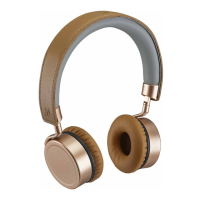
1. Ensure the earphones is switched o.
2. Press and hold
for 5 seconds to enter Bluetooth
pair mode. The status indicator starts ashing in red
and blue rapidly and alternately.



 To Next Page