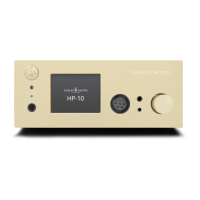
| FRONT PANEL
2
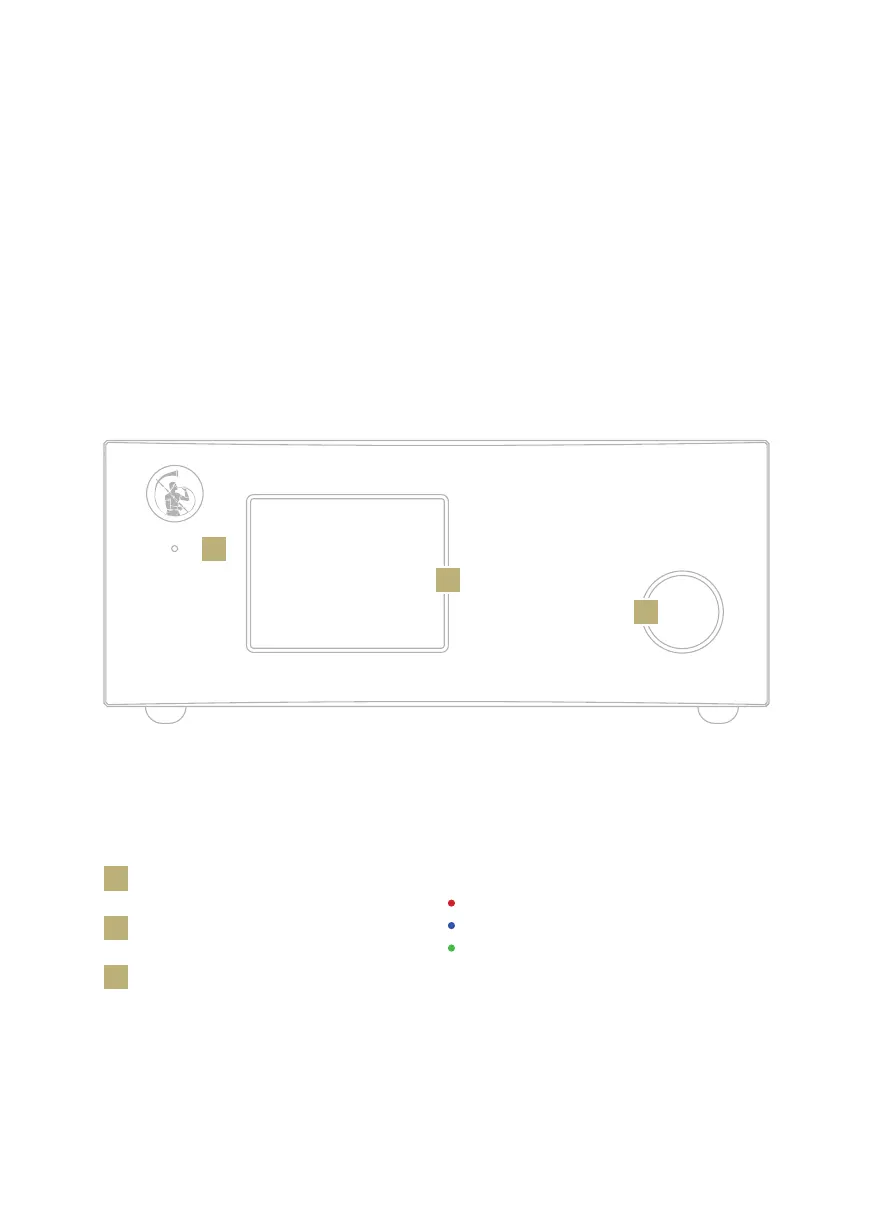
LED status light
1
Display
2
SKC (Single Knob Control)
3
3
1
3
LED status light:
Red = standby
Blue = ON
Green = powered by the external power
supply PSU-10
FRONT PANEL OVERVIEW
The front panel of the PH-10 has been
designed for ease of use and everyday
reliability. Everything revolves around the
interface which leverages two key elements
- the large display and the SKC (Single Knob
Control). These provide you with intuitive
controls so that you can check the PH-10
settings at glance and adjust parameters
quickly using the knob.



 To Next Page