EasyManua.ls Logo

golden interstar Hypro - User Manual

golden interstar Hypro
162 pages
Print Icon
To Next Page IconTo Next Page
Loading...
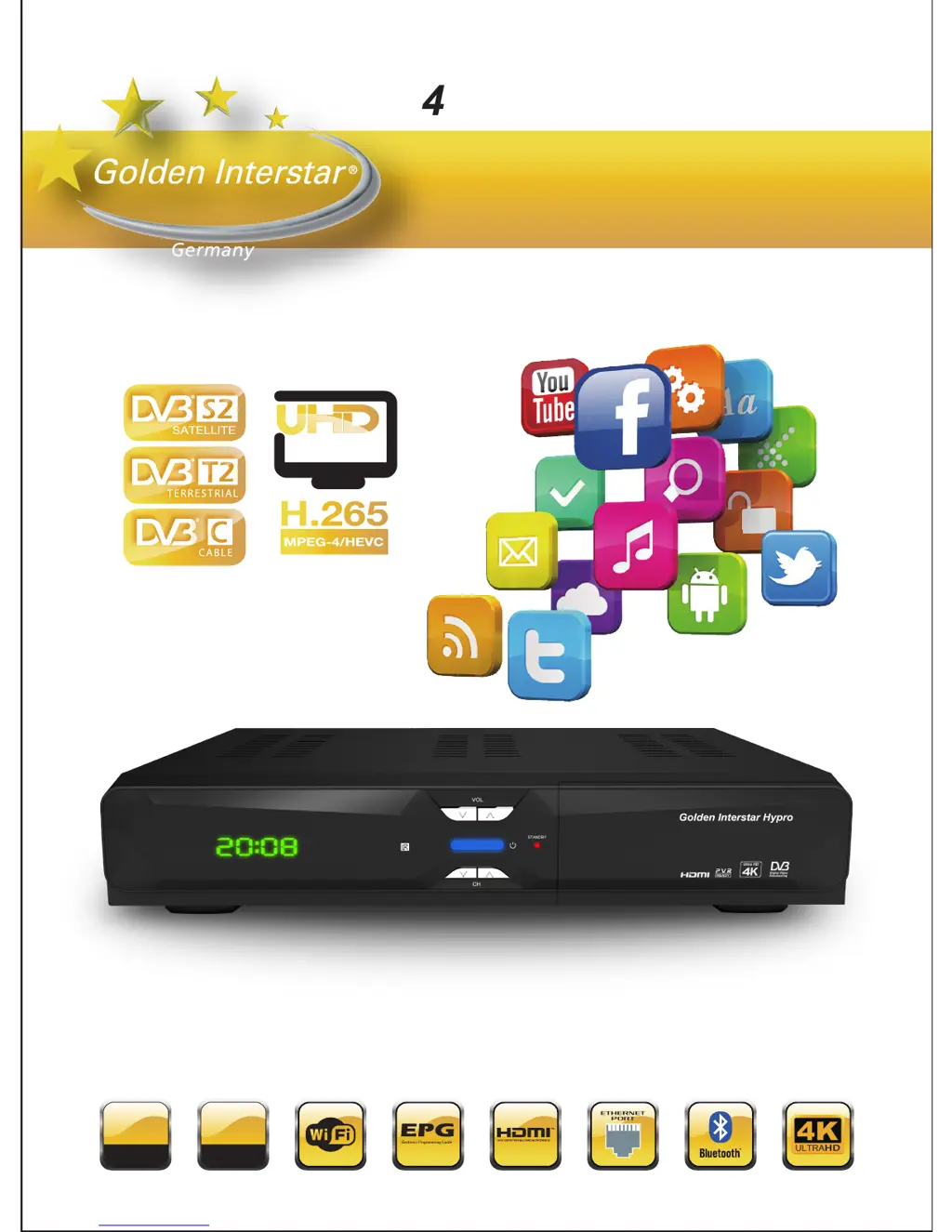
Golden Interstar Hypro
4K Android Set Top Box
User Manual
1
GB
DDR3
8
GB
EMMC-Flash

Table of Contents

Questions and Answers

  • S
    smithroyAug 1, 2025
    Why is there no signal on my Golden Interstar TV Receiver?
    • C
      cody66Aug 1, 2025
      If you are not getting a signal on your Golden Interstar TV Receiver, here are a few things to check: * Ensure the HDMI cable is securely connected. * Verify you've selected the correct HDMI input on your HDTV. * Inspect the antenna cable; try replacing it or ensuring it's tightly connected to the receiver. * Confirm that the tuner parameters are correctly set in the installation menu. * Check the antenna connections.
  • M
    martinrobertAug 6, 2025
    What to do if my golden interstar Hypro TV Receiver remote control does not work?
    • P
      Paula CarneyAug 6, 2025
      If the remote control for your Golden Interstar TV Receiver isn't working, try these steps: * First, make sure the batteries are good and correctly inserted. * Ensure there are no obstructions between the remote and the signal sensor on the receiver. * Verify that you are within 5 meters of the box. * Check the batteries for power, and if exhausted replace the batteries.
  • I
    ihuffAug 11, 2025
    How to fix no picture or sound on golden interstar Hypro?
    • M
      Michelle RamirezAug 11, 2025
      If you have no picture or sound on your Golden Interstar TV Receiver, verify the Audio/Video output connection from the receiver to your TV is correct. Also, ensure your TV is on and try pressing the MUTE button.
  • T
    Tammy KellyAug 17, 2025
    What to do if my Golden Interstar TV Receiver cannot connect to network?
    • B
      Bonnie ChambersAug 17, 2025
      If your Golden Interstar TV Receiver cannot connect to the network: * Ensure the network cable is securely connected and the Ethernet is working properly. * If using Wi-Fi, check that the network is connected and the security key is correct. * Also, verify that you've selected the correct IP address settings.
  • D
    David WillisAug 21, 2025
    Why my golden interstar Hypro TV Receiver cannot turn on?
    • S
      Spencer MendezAug 21, 2025
      If your Golden Interstar TV Receiver will not turn on, check that the power connector is fully plugged into the DC socket. Also, ensure the power supply is stable.
  • L
    lancefrederickAug 27, 2025
    How to display the entire picture on HDTV with Golden Interstar TV Receiver?
    • L
      larsonrobertAug 27, 2025
      If your HDTV isn't displaying the entire picture when using your Golden Interstar TV Receiver, set the screen ratio on your HDTV to automatic. Alternatively, navigate to Menu > Screen on your HDTV, then use the arrow buttons to select the ratio type and choose the option to automatically display the entire screen.

Summary

Safe Caution

Safe Installation Practices

Advice on placing the receiver to prevent damage and overheating.

Ensure Proper Ventilation

Guidance on ensuring adequate airflow around the device for heat dissipation.

Protect from Environment

Precautions against water, dust, and high temperatures.

Safe Electricity Supply

Instructions for safe power connection and unplugging.

Unpacking and Setup Hardware

Software Installation

Watching Live TV

Troubleshooting

No Signal Troubleshooting

Solutions for no video signal issues, checking cables and connections.

Media Box Power Issues

Troubleshooting problems with turning the media box on.

Network Connectivity Troubleshooting

Resolving issues with wired or Wi-Fi network connection.

Remote Control Malfunctions

Troubleshooting steps for a non-working remote control.

No Picture or Sound

Resolving lack of video or audio output.

golden interstar Hypro Specifications

General IconGeneral
Brandgolden interstar
ModelHypro
CategoryTV Receiver
LanguageEnglish