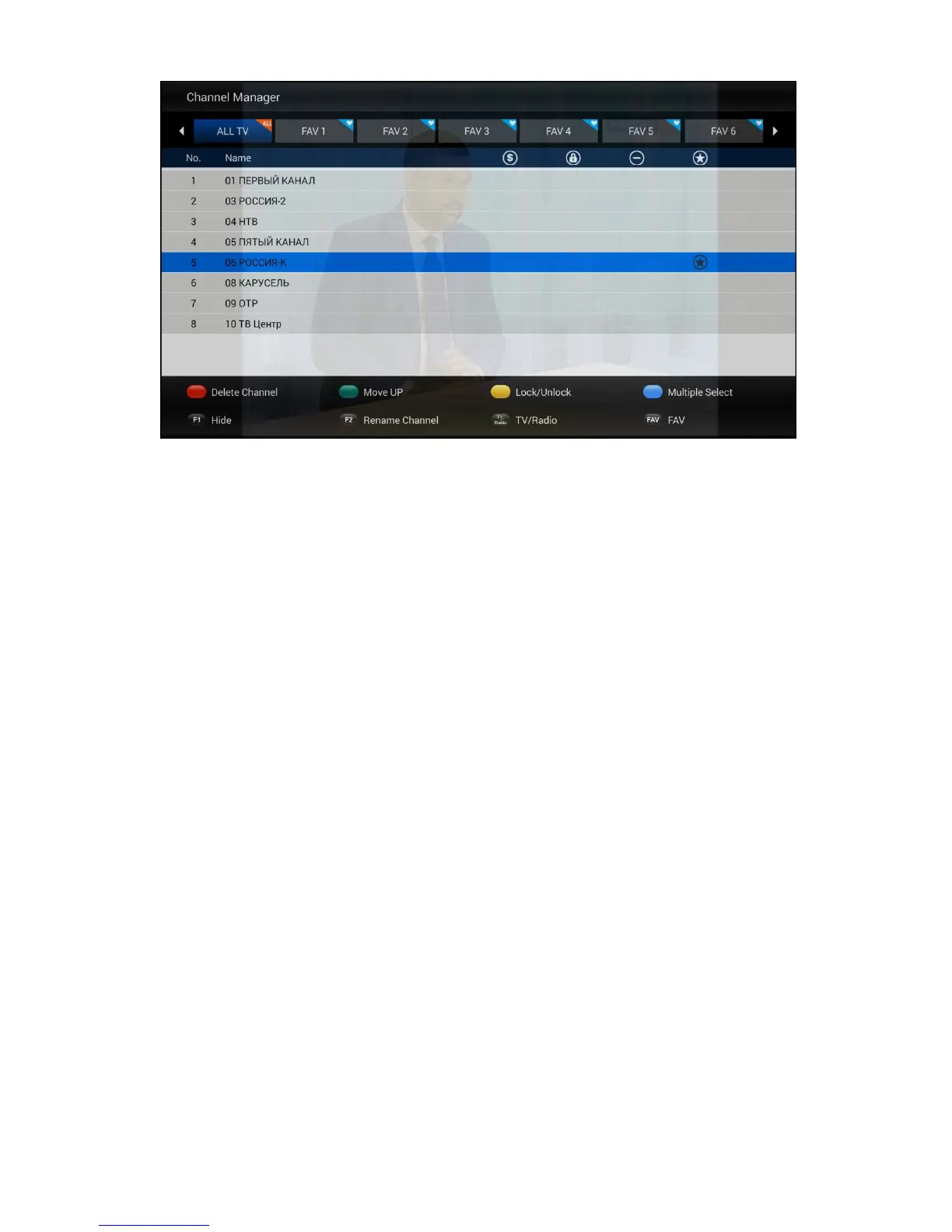
5.7 DTV Settings Menu
DTV Settings Menu is design for professional configures global parameters of DTV
application. You could setup some global settings were illustration as below.
1) AV output Settings
2) Default Languages --- Helps you to setup default Subtitle language, TELETEXT
language and Audio track.
3) OSD Settings --- Helps you to setup DTV OSD settings.
4) Parental Control --- Parental control feature helps to block the TV program that you don’
t allow your children to watching it alone.
5) DB Management --- Helps you to backup TV/Radio channel list to external USB
Storage or restore TV/Radio channel list from external USB storage.
6) PVR Settings --- Helps you to setup which external USB storage for PVR and
Time-Shift. You could also turn on/off auto Time-Shift feature in this menu.
7) System Settings --- Helps you to check the version number of the DTV application,
reset DTV application to factory settings.


 To Next Page