Getting Started
Power On/O
Language Selection
Main Button Operation
Plug the data cable to the power adapter to charge the unit.
Visit our website (www.gpsgolfbuddy.com) and check your course in our
“course library” and download if necessary.
Please refer to the GB manager for the latest course and rmware updates.
Once you’re at the course, simply power on to start playing as the unit will
locate your course for you automatically.
Have the unit turned off. While holding down the button, turn on the unit
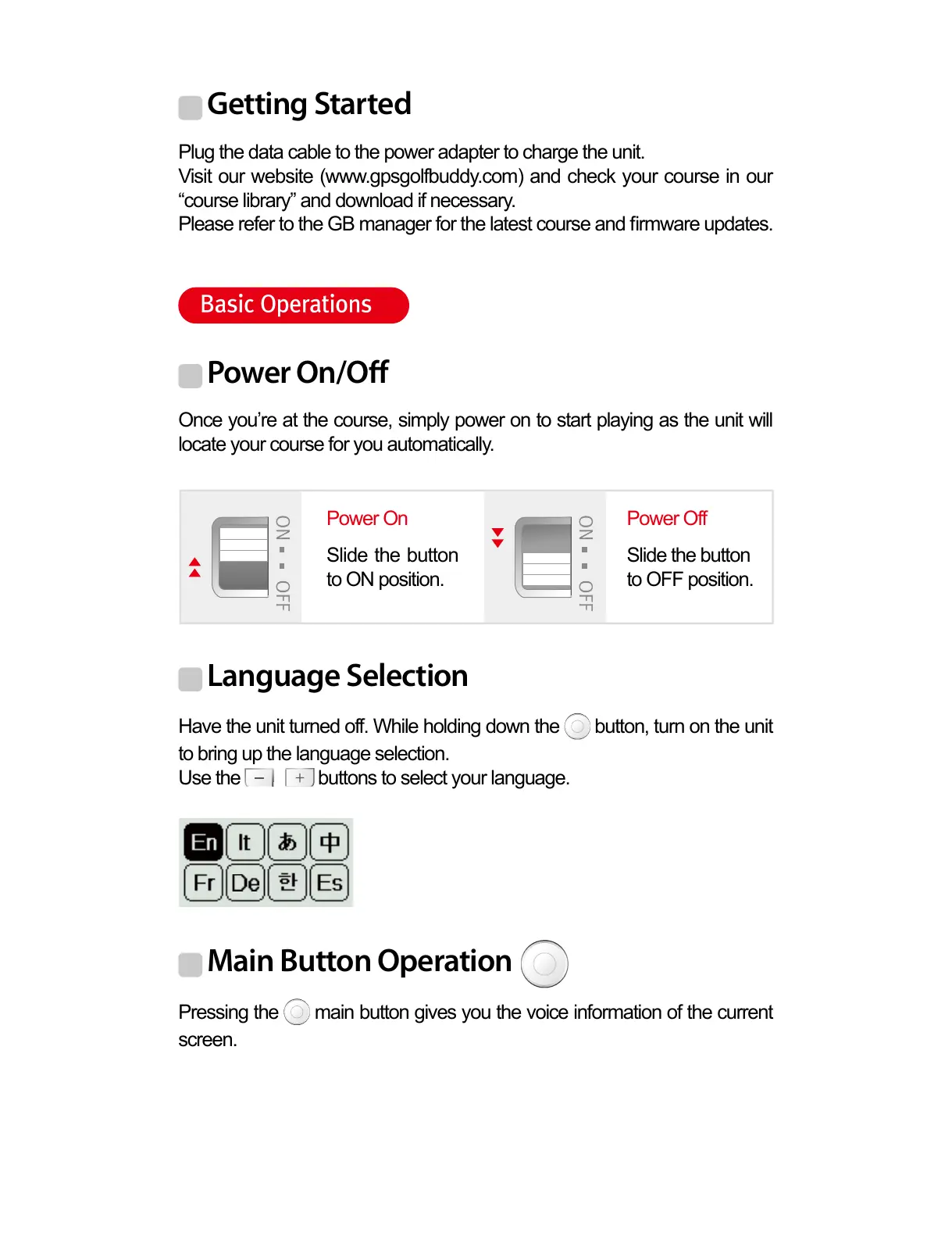
to bring up the language selection.
Use the buttons to select your language.
Pressing the main button gives you the voice information of the current
screen.
Power On
Slide the button
to ON position.
Slide the button
to OFF position.
Power Off
Basic Operations



 To Next Page