Advance Operations
Green View Screen
Measuring Distance
Changing Holes
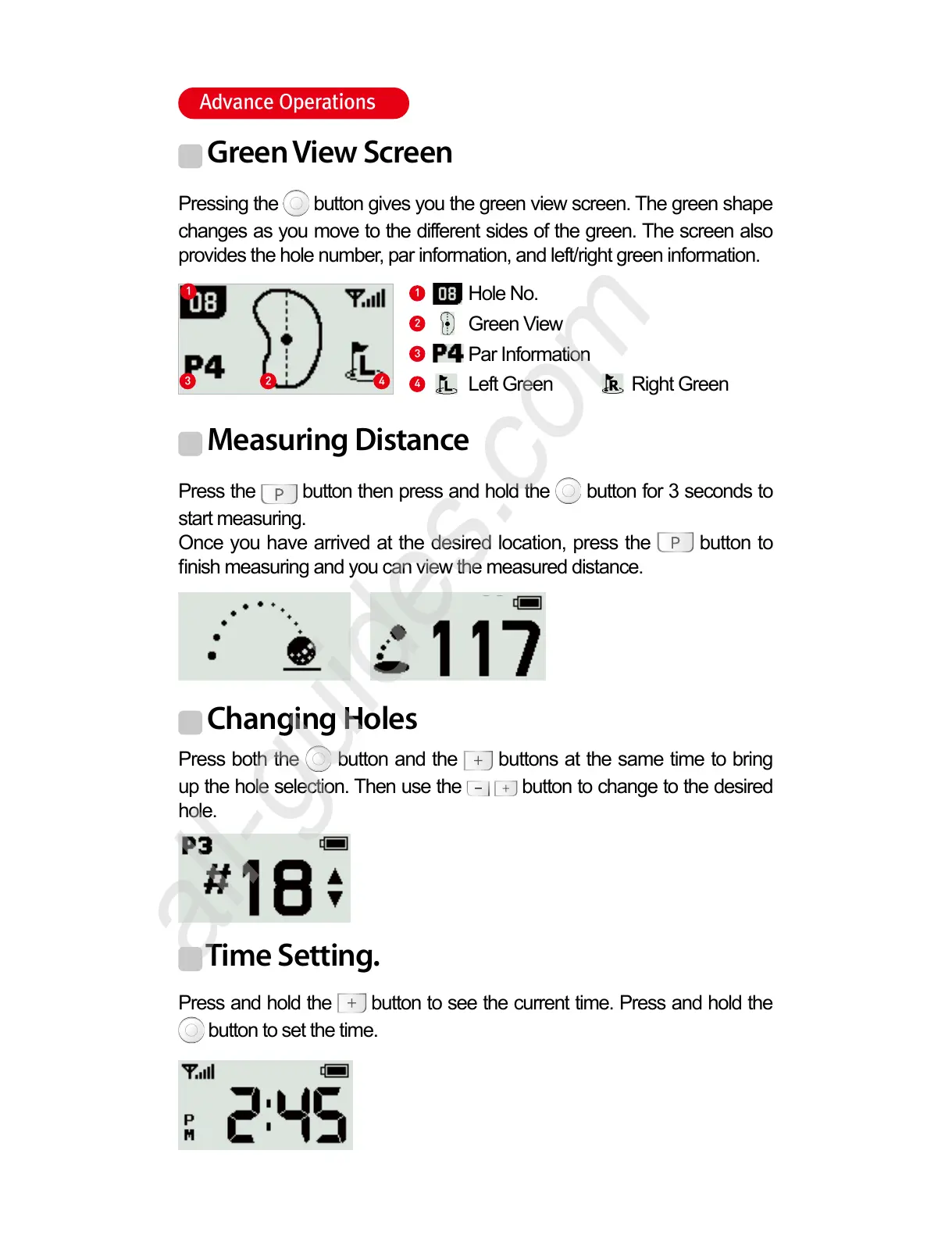
Pressing the button gives you the green view screen. The green shape
changes as you move to the different sides of the green. The screen also
provides the hole number, par information, and left/right green information.
Press the button then press and hold the button for 3 seconds to
start measuring.
Once you have arrived at the desired location, press the button to
nish measuring and you can view the measured distance.
Press both the button and the buttons at the same time to bring
up the hole selection. Then use the button to change to the desired
hole.
1
43 2
1
4
3
2
Hole No.
Green View
Par Information
Left Green Right Green
Time Setting.
Press and hold the button to see the current time. Press and hold the
button to set the time.



 To Next Page