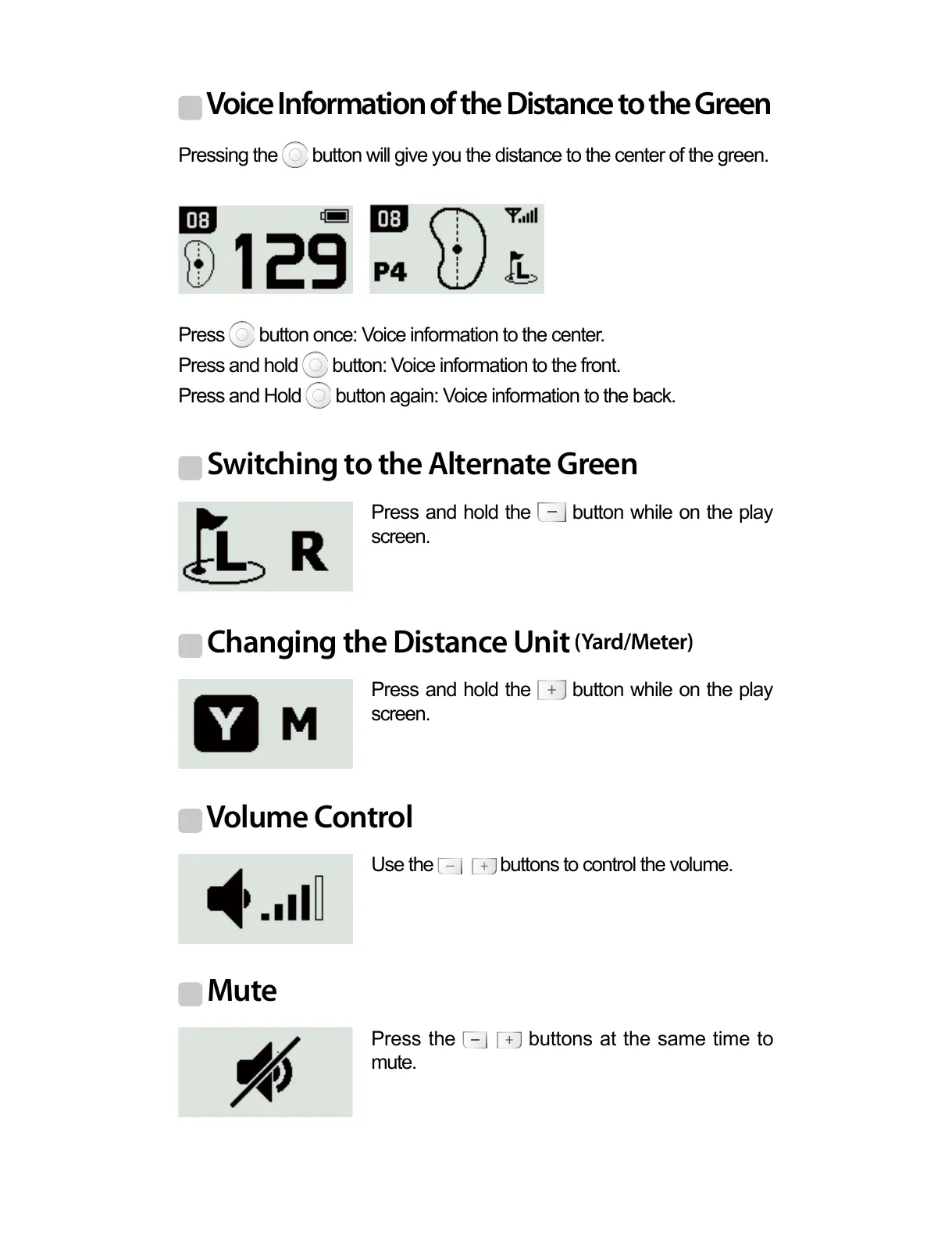
Voice Information of the Distance to the Green
Switching to the Alternate Green
Changing the Distance Unit
(Yard/Meter)
Volume Control
Mute
Pressing the button will give you the distance to the center of the green.
Press and hold the button while on the play
screen.
Press and hold the button while on the play
screen.
Use the buttons to control the volume.
Press the buttons at the same time to
mute.
Press button once: Voice information to the center.
Press and hold button: Voice information to the front.
Press and Hold button again: Voice information to the back.



 To Next Page