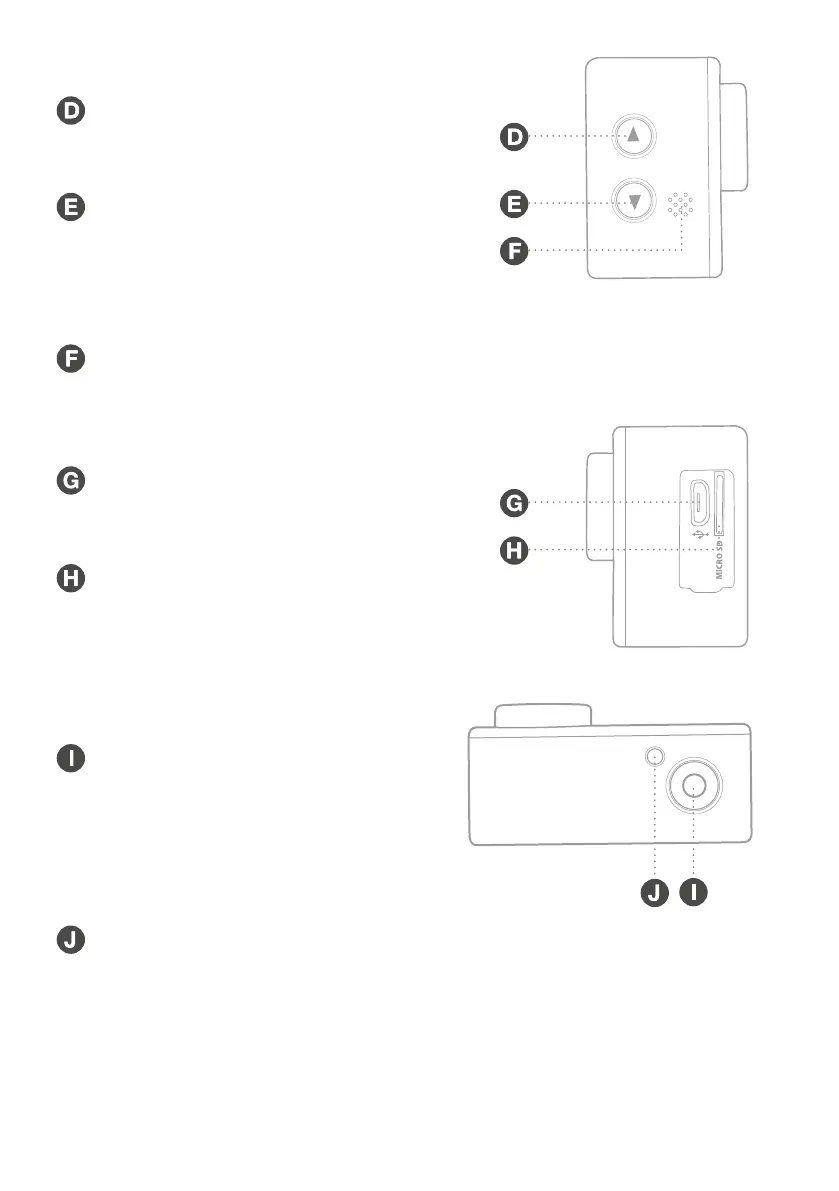
2.4 Left Side View
UP Button
Press to scroll through
files/options.
DOWN Button
Press to scroll through
files/options or to display
the settings menu for the
current mode.
Microphone
2.5 Right Side View
MINI USB Port
Insert the USB charging
cable provided.
MICRO SD CARD Slot
Insert a micro SD card
(not included).
2.6 Top View
SHUTTER/SELECT Button
Press to capture a photo,
begin/stop recording, begin
playback, choose an option
or cycle through mode and
system settings.
CHARGING INDICATOR Light
Will illuminate when the battery
is charging.
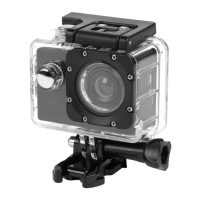
FULL HD ACTION CAMERA


 To Next Page