3.
4.
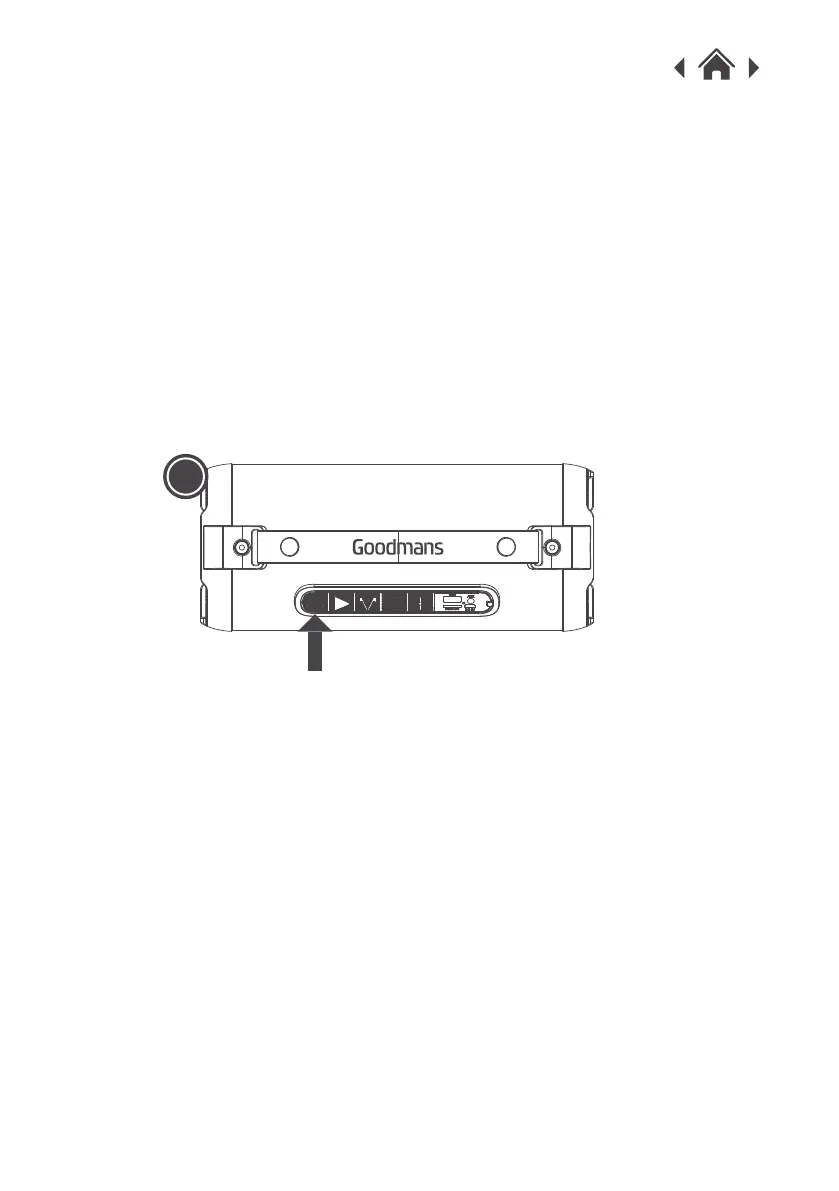
When successfully paired, you will hear “connected”.
5.
Once you have paired the High Power Bass Bluetooth Blaster
with a smartphone or Bluetooth device, it will remember this
device and will pair automatically when the device’s Bluetooth
is activated and in range, you do not need to re-pair any
previously connected devices.
The High Power Bass Bluetooth Blaster will attempt to
automatically connect to the last device it was paired with if
Bluetooth mode is turned on. If you want to pair it with a new
device, please turn off your last Bluetooth device and then use
your new device to search and select the pairing name.
1
1.If your device doesn’t have Bluetooth, you can use the AUX in
connection.
2.Connect the 3.5mm AUX in cable to the High Power Bass
Bluetooth Blaster, you will hear voice prompt and then connect
the other end to your device.
3.4Using the AUX IN Connection
When your smartphone or Bluetooth device is paired to the High
Power Bass Bluetooth Blaster, use your music App to playback
your music.
3.3Playing Your Music


 To Next Page