EasyManua.ls Logo

Goodmans GDB18FVZS2 - User Manual

Goodmans GDB18FVZS2
20 pages
Print Icon
To Next Page IconTo Next Page
Loading...
IMPORTANT: Please read all instructions
carefully before use and keep for future reference.
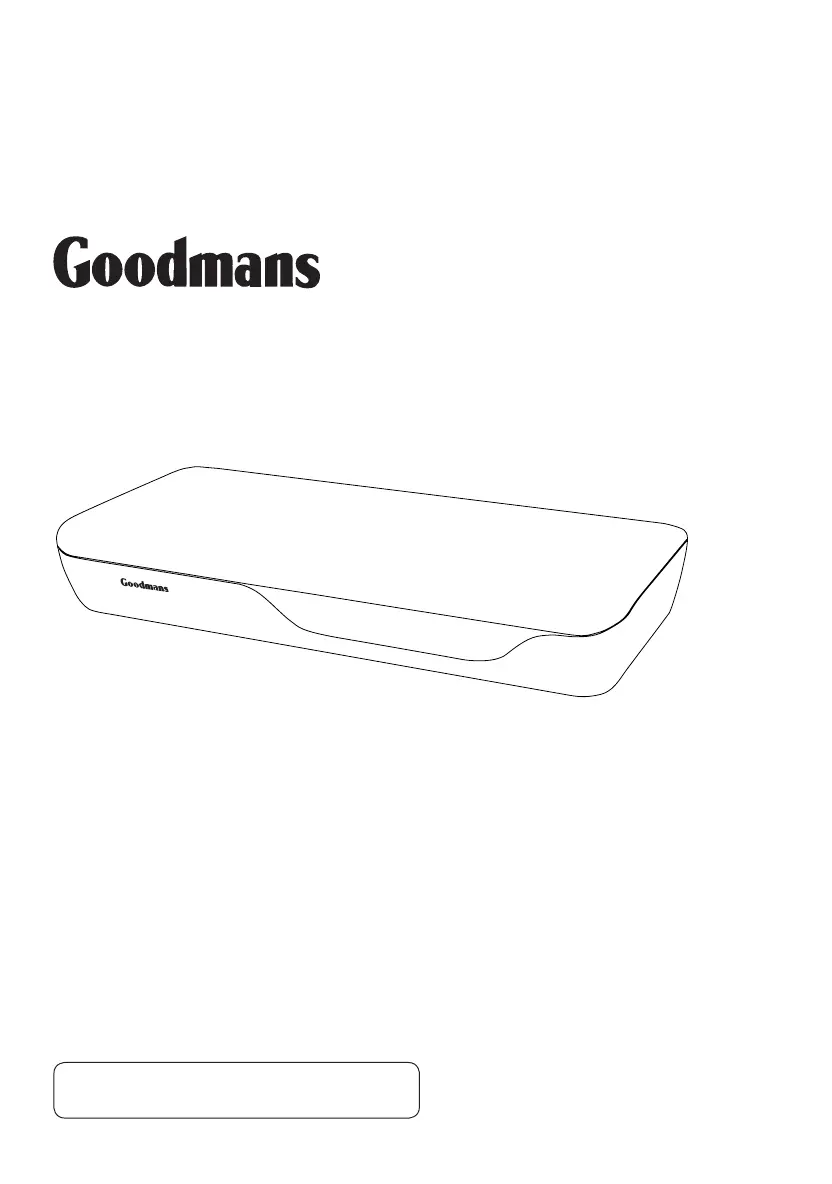
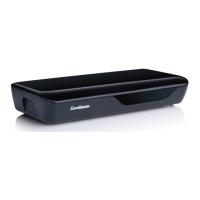
GDB18FVZS2 Digital Box
Instruction Manual
GDB18FVZS2_IB_0311.indd 1 11/03/2011 09:35:37

Other manuals for Goodmans GDB18FVZS2

Questions and Answers

Summary

Digital TV

Whats in the box?

Other things you will need

Lists additional items required for the digital box setup and operation.

Roof top aerial

It is recommended that you use a wideband rooftop aerial for proper function.

Scart cable

An additional Scart cable is required to connect a DVD recorder.

Your digital box

Front view

Illustrates the front panel of the digital box, including the remote control sensor.

Back view

Details the rear panel connections: Aerial Input, Aerial Output, Coaxial Digital, Scart, and Power Input.

Your remote control

Remote control overview

Details the layout and function of buttons on the remote control for operating the digital box.

Connecting up

Connecting to the TV with SCART

Illustrates how to connect the digital box to a TV using a SCART and RF cable.

Other connections

Details connections to a TV and DVD recorder, and to a Hi-Fi/surround sound system.

Connecting audio systems

Explains how to connect the digital box to audio systems using a Digital Coaxial Cable.

Getting started

Initial setup steps

Covers installing batteries, plugging in the box, and the automatic channel tuning process.

Using your Digital Box

Using the EPG

Explains how to use the Electronic Programme Guide to view schedules and set reminders.

Changing channels and volume

Instructions for changing channels using buttons and adjusting volume with VOL+/- and MUTE.

Using subtitles and digital text

Guide to accessing subtitles and digital text features for enhanced viewing.

The info banner

How to access and interpret the information banner for current and upcoming programmes.

Organising your channels

Instructions on how to delete, move, and rename channels using the Channel Organiser.

Setting up favourites

Guide to creating and managing favourite channel lists for quick access.

Advanced features

The setup menu

Overview of the setup menu for changing default settings of the digital box.

TV setup and languages

Configuring TV type (4:3/16:9) and selecting the default audio language.

Parental control

How to set up and use parental controls, including PIN codes and locking channels.

Service Setup

Options for rescanning channels and performing a first-time installation.

Check for download

Instructions for checking and updating the digital box software via Over-The-Air Download (OAD).

System Information

Displays detailed information about the digital box for troubleshooting or support.

Inactivity Settings

Configures the box to enter standby mode after a period of inactivity.

Re-tuning

Retuning your digital box

Step-by-step guide to rescanning channels after initial setup or signal changes.

Region Selection

Guide to selecting the correct TV region for optimal channel reception.

Troubleshooting

Common problems and solutions

Lists common issues like no signal, no picture, and remote control problems with their fixes.

Need extra information or help?

Provides contact details for website support and a call centre for assistance.

Specifications

Tuner and channel specifications

Details the RF input/output connectors and tuner capabilities.

Decoder and connection details

Lists decoder standards, video/audio formats, and connection types like Scart and coaxial.

Power supply specifications

Details the input voltage and power consumption of the digital box.

Warnings

Safety Tips

Important safety advice regarding smoke, noise, odor, and immediate actions.

Note and WEEE information

Disclaimers about manual accuracy and information on Waste Electrical and Electronic Equipment (WEEE).

Guarantee

Guarantee provisions

Outlines the terms and conditions of the 12-month guarantee for the digital box.

get set for digital

How the Digital switchover may affect you

Explains the UK's digital TV switchover and its impact on users, including re-tuning.

Re-tuning instructions and support

Directs users to page 14 for re-tuning and provides links for aerial checks and queries.

Goodmans GDB18FVZS2 Specifications

General IconGeneral
Tuner TypeDVB-T2
HD CapableYes
USB PortYes
HDMI OutputYes
ResolutionUp to 1080p
TypeFreeview HD
RecordingVia USB

Related product manuals