EasyManua.ls Logo

Goodmans GHP04BT - User Manual

Goodmans GHP04BT
8 pages
Print Icon
To Next Page IconTo Next Page
Loading...
Model: GHP04BT
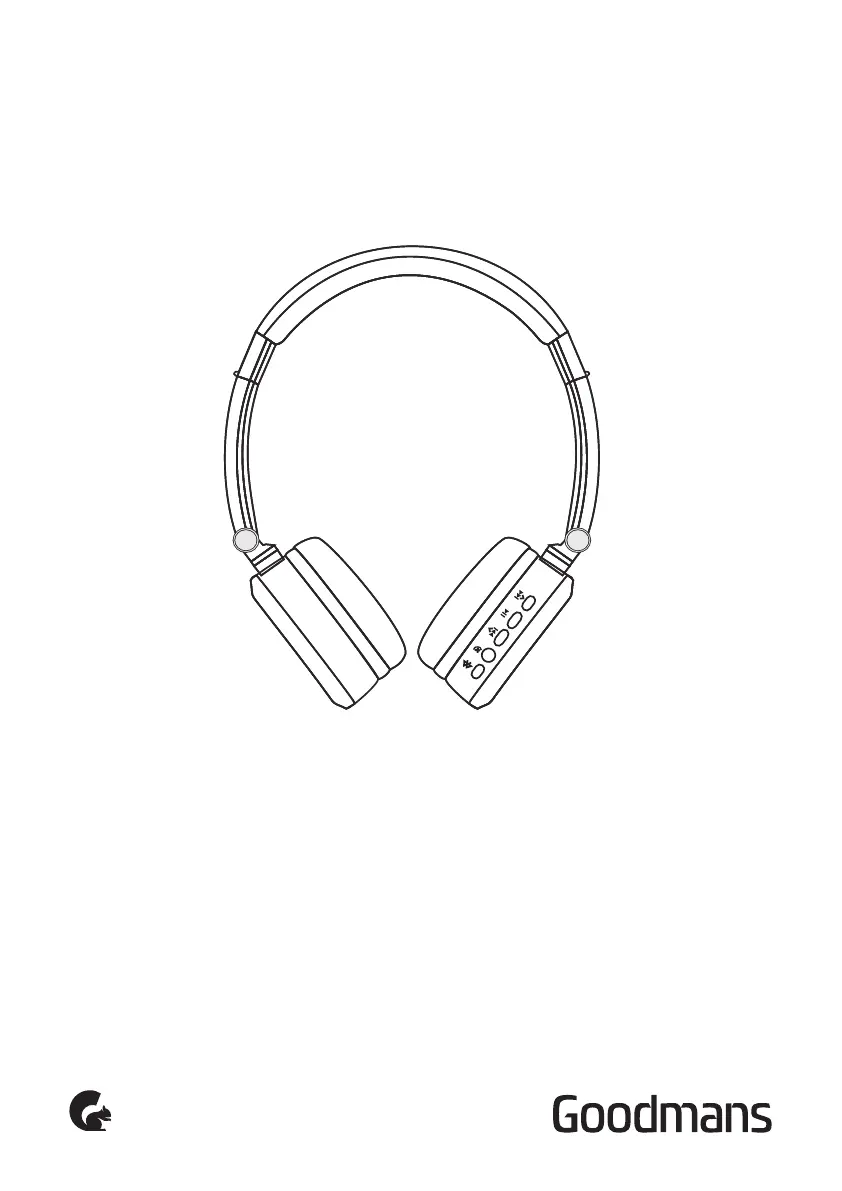
OVER-EAR BLUETOOTH
HEADPHONES
USER MANUAL

Questions and Answers

Summary

Your Bluetooth Headphones

In the box

Lists all items included in the product packaging.

Front view

Identifies and explains the controls located on the front of the headphones.

Rear view

Identifies and explains the ports and microphone on the rear of the headphones.

Power On; Off, Pairing and Charging

Charging

Details the procedure for charging the device's battery and LED indicators.

Turning your headphones on and pairing

Step-by-step guide to powering on, pairing with Bluetooth devices, and turning off.

Making a call

Instructions for initiating and managing phone calls using the headphones.

Answering and ending a call

Explains how to accept, reject, and terminate phone calls.

Playing music

Describes controls for music playback, including volume and track selection.

Line in

Information on using the headphones with a wired audio connection.

Maintenance

Battery maintenance

Guidance on proper care and optimal usage conditions for the rechargeable battery.

Troubleshooting

Technical Specification

Customer Support

Goodmans GHP04BT Specifications

General IconGeneral
TypeOver-Ear
Driver Size40mm
Frequency Response20Hz - 20kHz
Impedance32 Ohms
Charging Time2 hours
ConnectivityBluetooth
Bluetooth VersionBluetooth 5.0

Related product manuals