2
Quick Installation Guide V1.1-2022-02-21
2
2
2
2
1
3
2
4
5
3
1
4
1
2
3
4
5
5
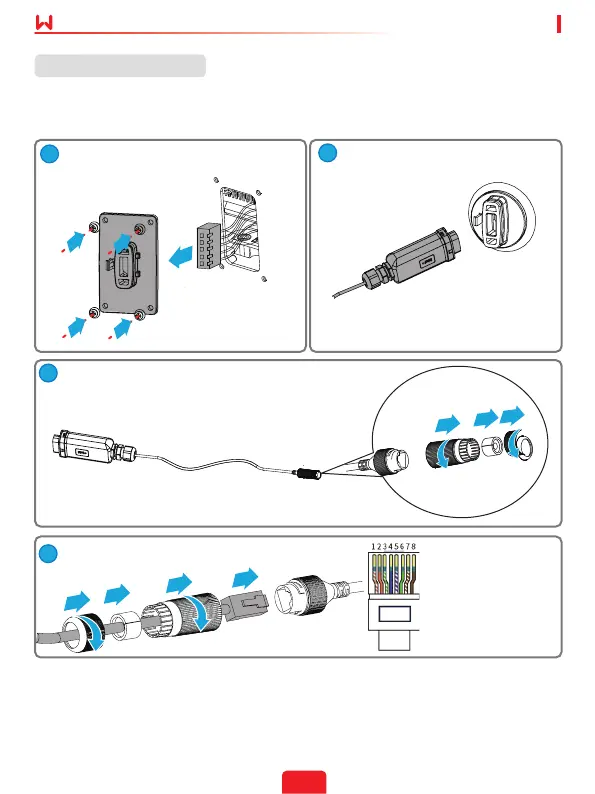
Installing the module
(Optional: For WiFi Box only) Install the
5-pin USB adapter.
5-pin
Communication
Port of the Inverter
USB
Communication
Port of the Inverter
(Optional: For LAN function only)
(Optional: For LAN function only)
1. White & Orange
2. Orange
3. White & Green
4. Blue
5. White & Blue
6. Green
7. White & Brown
8. Brown
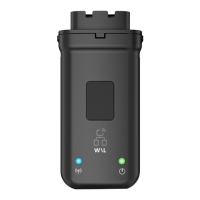
(Optional: For WiFi Kit and Wi-Fi/LAN
Kit) Install the Kit.
Note: This device should be installed and operated with a minimum distance of 20 cm
between the radiator and your body.


 To Next Page