Battery + Charging
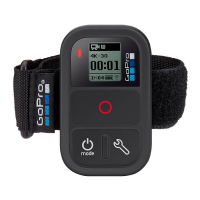
We recommend charging your Wi-Fi Remote for one hour
before using it the first time, however no damage will occur
if you don’t. To charge the Wi-Fi Remote, connect it to a
computer or USB power supply with the included USB cable.
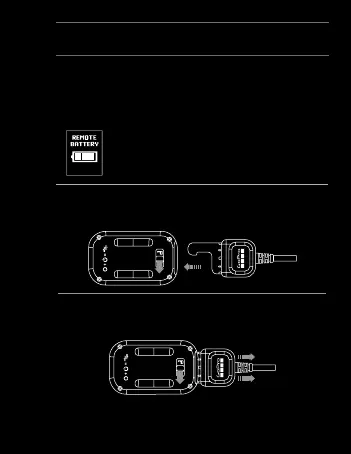
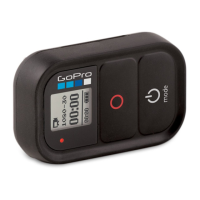
The LCD Screen displays the Wi-Fi Remote’s
battery level while the Wi-Fi Remote is
powering ON or charging.
To charge: Plug charging cable into charging slot until
it clicks.
To remove charger: Slide and hold the latch lever in the
direction of the arrow, then remove the charging cable.
Note: This slot is used for the charging cable and the attachment key.
17


 To Next Page