Camera Controls
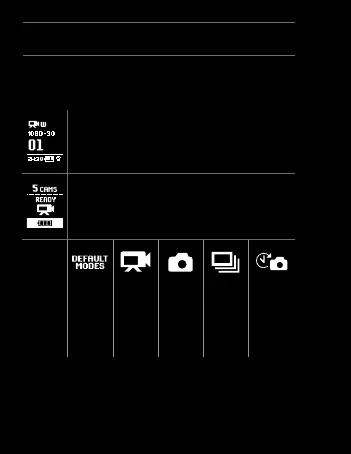
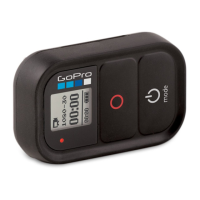
You will have different Wi-Fi Remote on-screen camera
controls if you are connected to more than one camera
at a time.
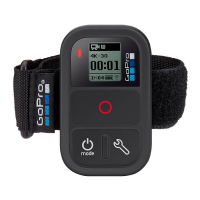
Wi-Fi Remote Connected To One Camera
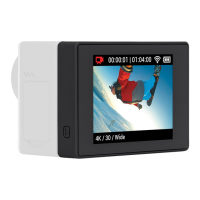
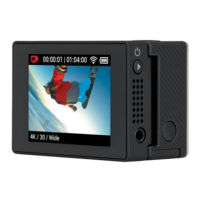
Your Wi-Fi Remote Screen will match exactly
what appears on your HD HERO2 camera
Wi-Fi Remote Connected to Multiple Cameras
When you cycle through the modes on the Wi-Fi
Remote Screen, you will see:
Wi-Fi Remote
Default Start-
up Modes
Sets all
cameras to
their default
power-up
modes
Video Mode
Sets all
cameras to
video mode
Photo Mode
Sets all
cameras
to photo
mode
Burst Mode
Sets all
cameras to
burst mode
Time-lapse
mode
Sets all
cameras to
time-lapse
mode
18


 To Next Page