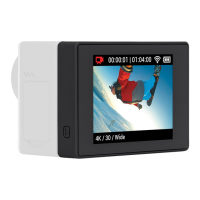
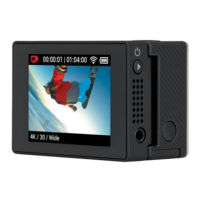
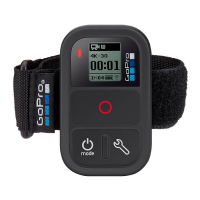
With the Wi-Fi BacPac attached to an HD HERO2 camera, you
can wirelessly connect, one-at-a-time, to a Wi-Fi Remote,
Smartphone, Tablet or Wi-Fi Network. The Wi-Fi Remote
gives you control of up to 50 GoPro cameras simultaneously.
Your Wi-Fi BacPac and Wi-Fi Remote arrive pre-connected in
the Wi-Fi Combo Kit. Follow the steps below only to connect
additional HD HERO2 cameras with Wi-Fi BacPac’s to your
Wi-Fi Remote or to a new Wi-Fi Remote.
1. Put your HD HERO2 into Connection Mode:
a. Make sure your Wi-Fi BacPac is attached to your
HD HERO2 camera and both are powered ON.
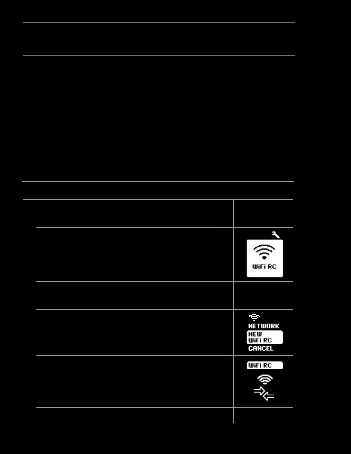
b. Short press the POWER/MENU button on the
Wi-Fi BacPac to enter into the HD HERO2 Wi-Fi
Menu Screen.
c. Press SHUTTER/SELECT to enter into the Wi-Fi
Connection Menu.
d.
Using the POWER/MODE button, highlight New
WiFi RC. Then press SHUTTER/SELECT.
e. The Wi-Fi connection animation will appear
indicating that the Wi-Fi BacPac is searching for
a connection. Press SHUTTER/SELECT at any
time to cancel.
f. Proceed to next step.
HD HERO2 + Remote
22


 To Next Page