HD HERO2 + Remote
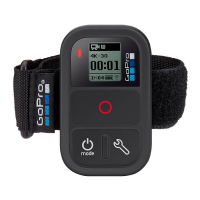
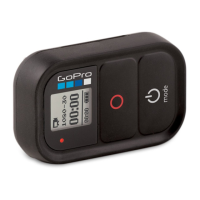
2. Put your Wi-Fi Remote into Connection Mode:
a. Ensure the remote is powered OFF
b. On the Wi-Fi Remote, hold down the SHUTTER/
SELECT button while powering it ON.
c. Release the SHUTTER/SELECT button when you see
the connecting screen on the Wi-Fi Remote.
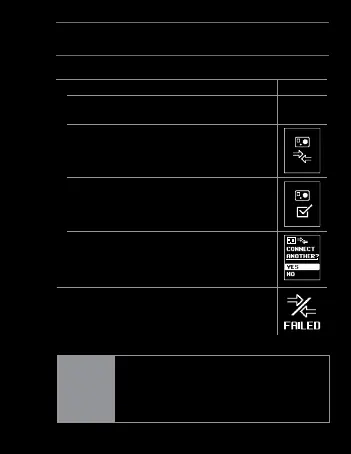
3. If the connection is successfully made,
you will see the following screen on both
camera and remote
Aer, you will be asked if you would like to connect
to additional cameras, press the SHUTTER/SELECT
button to select YES, then repeat step one above.
Otherwise select NO.
4.
If connection was not successful, you
will see this screen. Please repeat the
steps above.
TIP:
The Wi-Fi Remote can control up to
50 GoPro Cameras (Original HD HERO
and later) at a time from up to
600 / 180m away.
23


 To Next Page