Safety Information
WARNING: Failure to follow these safety instructions could result
in fire, electric shock, or other injury or damage to the Wi-Fi
BacPac, Wi-Fi Remote, or other property.
HANDLING
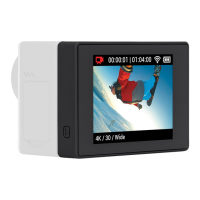
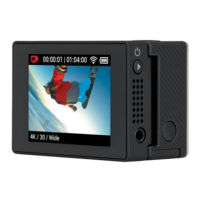
The Wi-Fi BacPac and Wi-Fi Remote contain sensitive components.
Do not drop, disassemble, open, crush, bend, deform, puncture, shred,
microwave, incinerate, paint, or insert foreign objects into either product.
Do not use the Wi-Fi BacPac or Wi-Fi Remote if it has been damaged—
for example, if the product is cracked, punctured, or damaged by water.
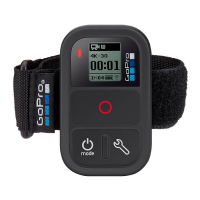
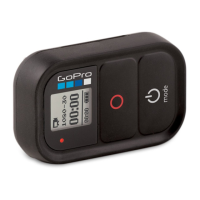
KEEPING THE WIFI REMOTE’S LCD CLEAN
Clean LCD screen immediately if it comes into contact with any
contaminants that may cause stains, such as ink, dyes, makeup, dirt,
food, oils, and lotions. To clean the LCD, use a so, slightly damp,
lint-free cloth. Avoid getting moisture in openings. Don’t use window
cleaners, household cleaners, aerosol sprays, solvents, alcohol,
ammonia, or abrasives to clean LCD.
AVOIDING WATER AND WET ENVIRONMENTS WHEN THE WIFI
BACPAC IS NOT IN HOUSING
When not protected in the waterhousing, do not use the Wi-Fi BacPac
in rain, or near washbasins or other wet locations. Take care not to spill
any food or liquid on the Wi-Fi BacPac. In case the Wi-Fi BacPac gets
wet, turn off and unplug from camera before cleaning, and allow it to dry
thoroughly before using again. Do not attempt to dry the Wi-Fi BacPac
with an external heat source, such as a microwave oven or hair dryer.
Damage to the Wi-Fi BacPac caused by contact with liquid is not covered
under the warranty.
30


 To Next Page