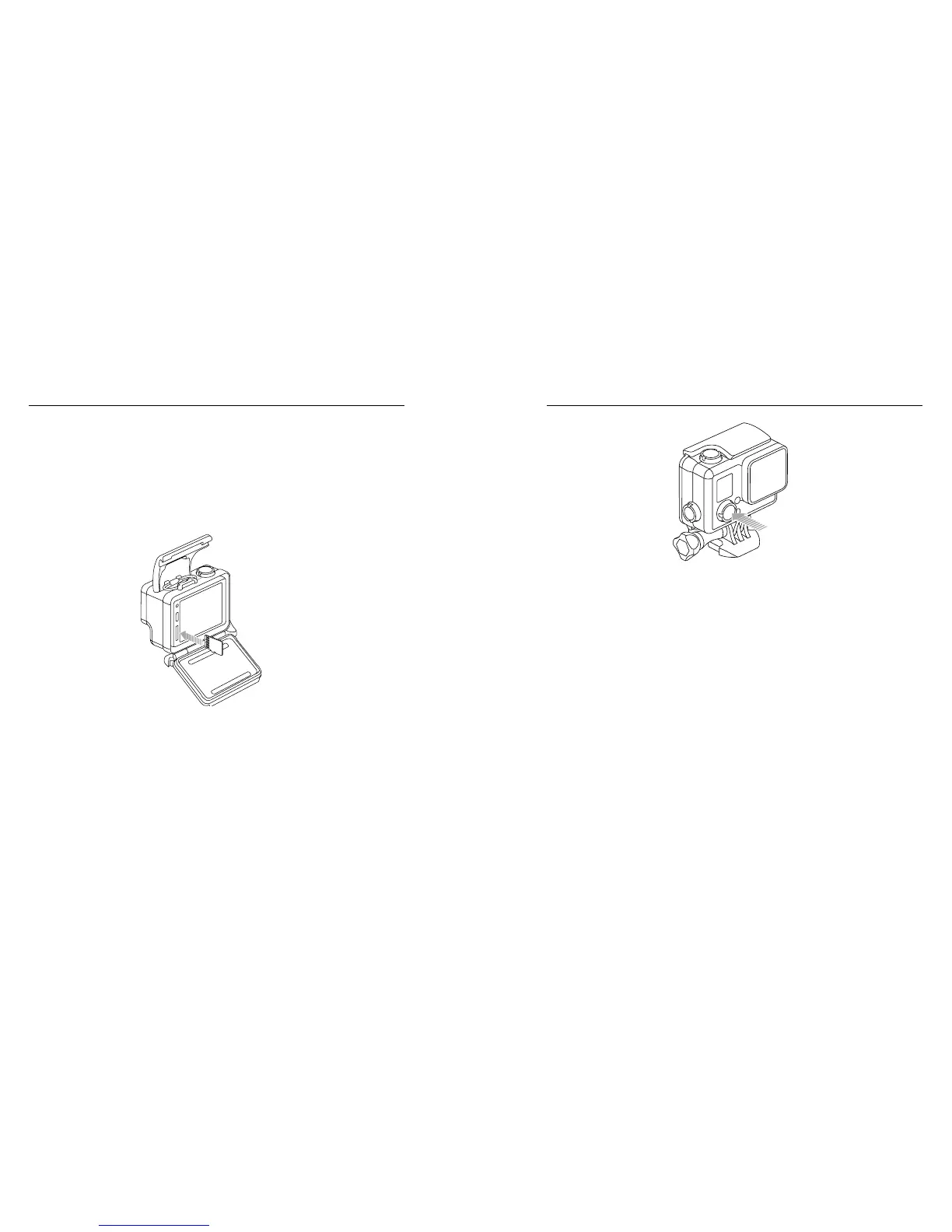
10 11
INSERTING + REMOVING MICROSD CARDS
Use brand name memory cards that meet these requirements:
• microSD, microSDHC, or microSDXC (sold separately)
• Capacity up to 64GB
• Minimum of Class 10 or UHS-I rating
For a list of the recommended microSD cards, visit gopro.com/support.
NOTICE: Use care when handling memory cards. Avoid liquids, dust,
and debris. As a precaution, power off the camera before inserting
or removing the card. Check manufacturer guidelines regarding use in
acceptable temperature ranges.
/ Getting Started
POWERING ON + OFF
To Power On:
Press the Power/Mode button once. The camera status lights
flash three times and the sound indicator emits three beeps. When
the camera status screen displays information, your camera is on.
To Power Off:
Press and hold the Power/Mode button for two seconds. The
camera status lights flash several times and the sound indicator
emits seven beeps.
/ Getting Started



 To Next Page