16 17
TOUCH DISPLAY
The integrated touch display on the back of the camera lets you control
your camera and its settings, and preview and play back videos and
photos. You can also use it as a viewfinder so you can see what your
camera sees for easy shot-framing.
To use the touch display with the housing door closed, attach the
Touch Backdoor or the Skeleton Backdoor. For more information, see
Camera Backdoors (page 13).
PRO TIP: To conserve battery power, the touch display is set to
automatically sleep aer 1 minute of inactivity. For details on touch
display settings, see Touch Display (page 43).
/ Camera Displays / Camera Displays
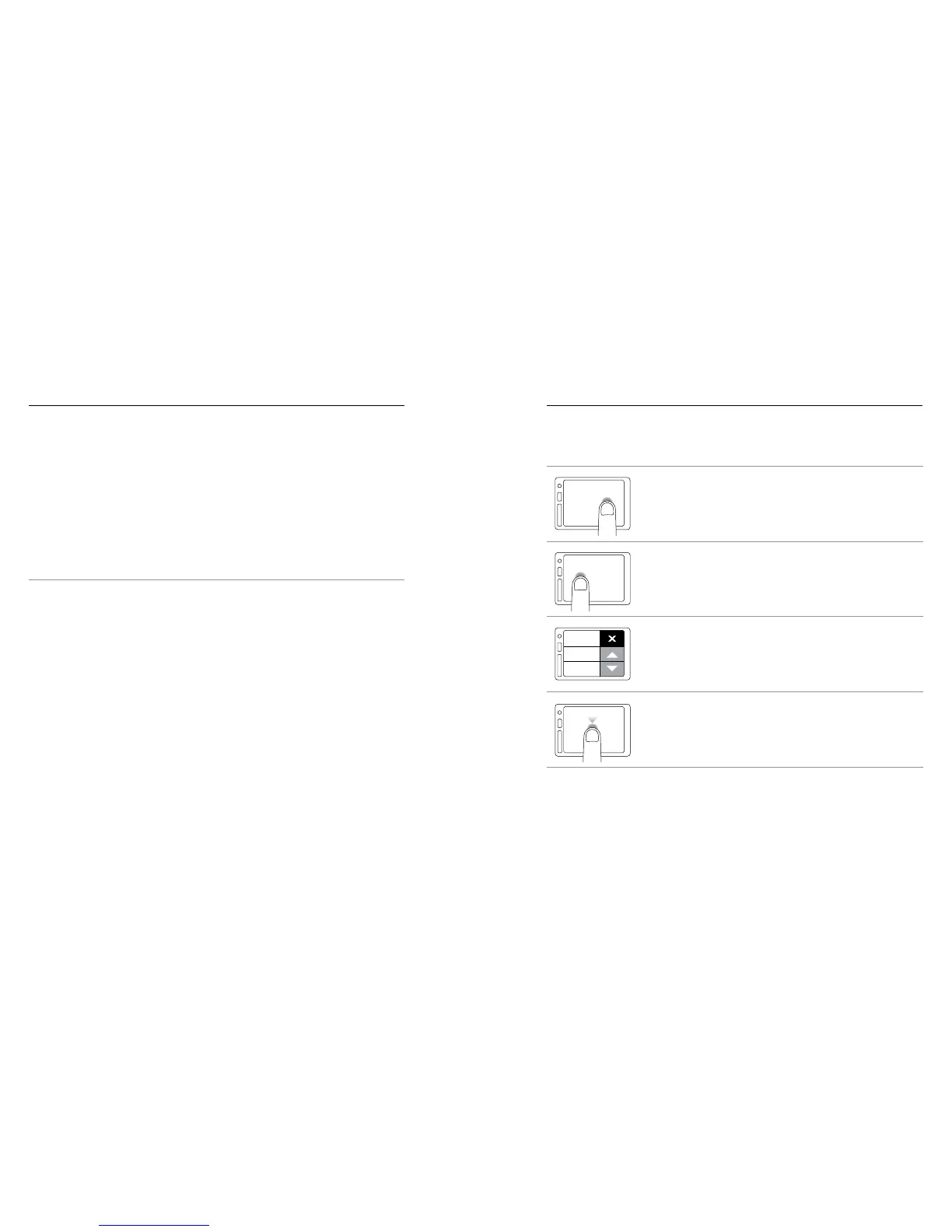
Gestures
Use these gestures to navigate the touch display:



 To Next Page