17
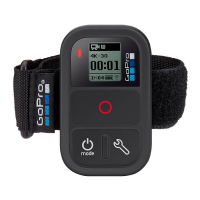
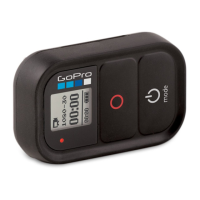
3. On the remote, complete these steps:
a. Power on the remote. If the remote was never paired with a
camera, it automatically begins pairing. Otherwise, press and
hold the Settings/Tag button for four seconds to begin pairing.
A checked box [
] appears on both screens once the devices
are paired.
b. To connect additional cameras, press the Shutter/Select button
[
] to select Yes, and then repeat the pairing process.
c. When you are finished, press the Power/Mode button [ ] to cycle
to No, and then press the Shutter/Select button [
] to select it.



 To Next Page