22
/ Changing Camera Settings
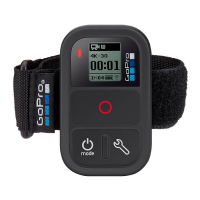
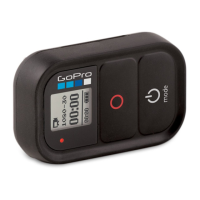
You can use the Smart Remote to change your camera settings as long as
your camera is not capturing video or photo.
Note: To change camera settings, the remote must be connected to only one camera.
To Change Camera Settings for HERO4:
1. Be sure your camera and remote are powered on and connected.
2. On the remote, press the Power/Mode button [
] to cycle to the
mode whose settings you want to change.
3. Press the Settings/Tag button [
] to open the settings menu for
that mode.
4. Use the Power/Mode button [
] to cycle through the settings.
5. Press the Shutter/Select button [ ] to cycle through the options
within a setting. To select an option, highlight it and move to
another screen.



 To Next Page