20
/ Capturing Video and Photos
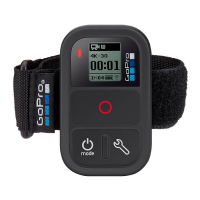
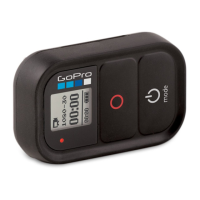
Use the remote to capture video and photos with one camera or
multiple cameras.
To Start/Stop Recording:
Press the Shutter/Select [
] button.
PRO TIP: When you connect your remote to your HERO4, you can add
HiLight Tags to your video. HiLight Tags mark specific moments to make
it easier to quickly find highlights during playback, sharing and editing.
While recording, press the Settings/Tag [
] button on the remote to
add a HiLight Tag.



 To Next Page