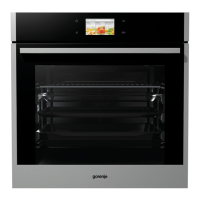
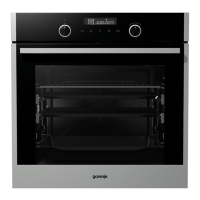
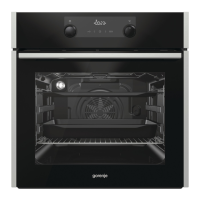
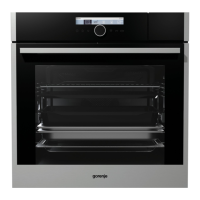
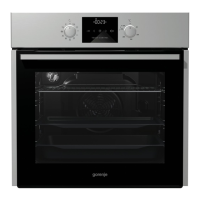
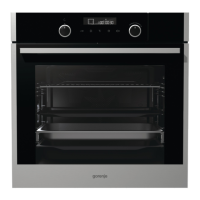
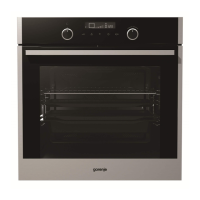
134492
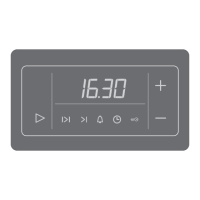
All oven commands and selections are carried out by
touching relevant sensors.
• Each selection is accompanied by sound signal.
• Display illumination is automatically switched off and changes
to clock display if no sensor is touched within 5 minutes,
except during baking. The display is illuminated again when
you touch any sensor.
• Illuminated sensors are the active ones. Flashing illumination
offers assistance - it suggests the sensor which probably
needs to be pressed subsequently to resume the desired
operation.
INFO sensor
By pressing the INFO sensor you can get information relevant to
the actual menu you are currently in.
5


 To Next Page