EasyManua.ls Logo

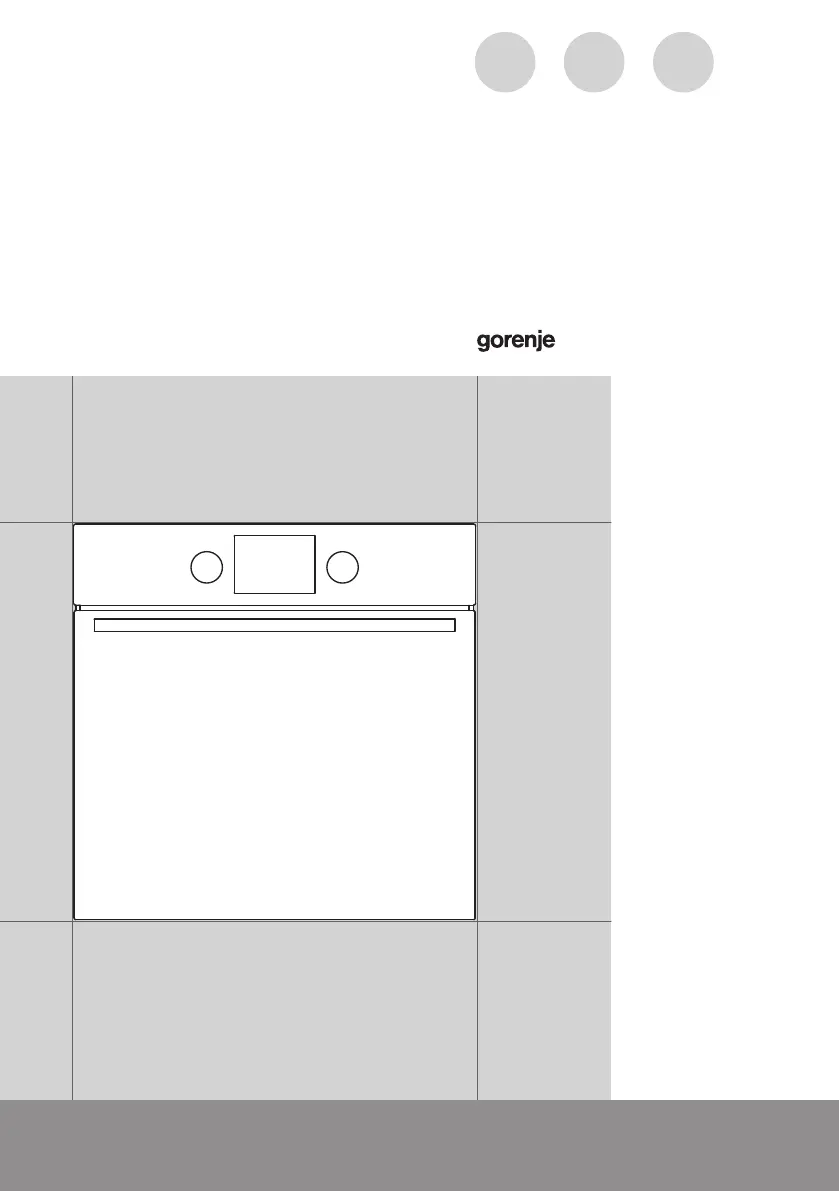
Gorenje BO737E30X - User Manual

Gorenje BO737E30X
52 pages
Print Icon
To Next Page IconTo Next Page
Loading...
www.gorenje.comwww.gorenje.com
DETAILED
INSTRUCTIONS
FOR USE OF THE
ELECTRIC OVEN
GB IE MT

Questions and Answers

  • A
    Amanda MartinezAug 10, 2025
    What to do if the Gorenje BO737E30X displays an error code (E1, E2, E3, etc.)?
    • J
      James PhamAug 10, 2025
      If your Gorenje Oven is displaying an error code (E1, E2, E3, etc.), it indicates an error in the electronic module operation. To resolve this, disconnect the oven from the power for a few minutes, then reconnect it and set the time. If the error persists, it is recommended to call a service technician.
  • S
    Sherry AbbottAug 20, 2025
    Why is my pastry underdone in my Gorenje BO737E30X?
    • G
      greenrobinAug 20, 2025
      If your pastry is underdone in your Gorenje Oven, ensure that you have selected the correct temperature and heating system. Also, verify that the oven door is completely closed during operation.
  • S
    sreeseAug 30, 2025
    How to fix a frozen display on a Gorenje Oven?
    • S
      Shane ReevesAug 30, 2025
      If the sensors on your Gorenje Oven are unresponsive and the display is frozen, disconnect the appliance from the power mains for a few minutes by either undoing the fuse or switching off the main switch. Then, reconnect the appliance and switch it back on.

Gorenje BO737E30X Specifications

General IconGeneral
BrandGorenje
ModelBO737E30X
CategoryOven
LanguageEnglish

Related product manuals