EasyManua.ls Logo

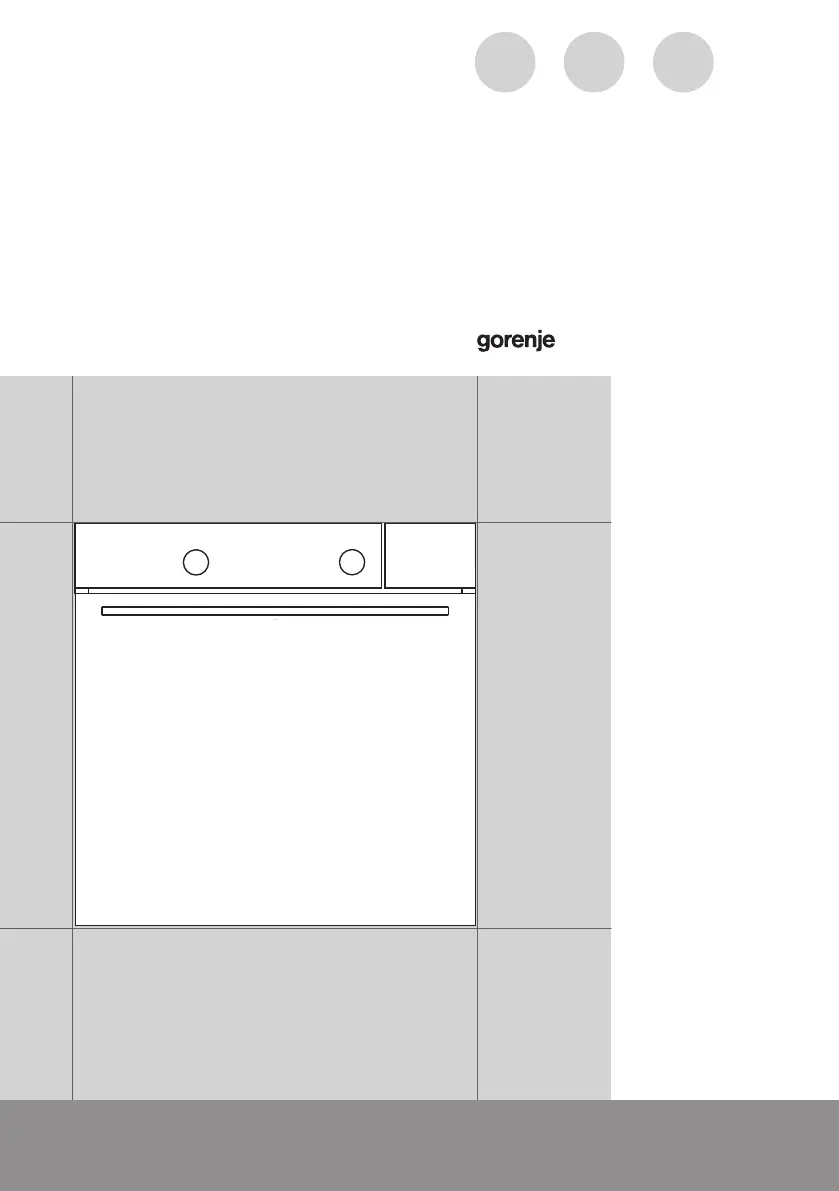
Gorenje BCS747S34X - User Manual

Gorenje BCS747S34X
64 pages
Print Icon
To Next Page IconTo Next Page
Loading...
www.gorenje.com
DETAILED
INSTRUCTIONS FOR
USE OF A COMBI
STEAM OVEN
GB IE MT
www.gorenje.com

Questions and Answers

  • J
    Jay LeeAug 6, 2025
    What to do if Gorenje Oven displays an error code (E1, E2, E3 etc.)?
    • C
      Corey PorterAug 6, 2025
      If your Gorenje Oven is displaying an error code (E1, E2, E3, etc.), it indicates an error in the electronic module operation. To resolve this, disconnect the oven from the power mains for a few minutes, then reconnect it and set the time. If the error persists, it is recommended to call a service technician.
  • M
    Michelle HillAug 12, 2025
    How to fix sparks appearing in Gorenje BCS747S34X Oven?
    • J
      Jacob OrtizAug 12, 2025
      If you notice sparks in your Gorenje Oven, ensure that all light covers are securely fastened and that all spacers are correctly fitted on the wire guides. Also, verify that the guides are properly placed within the appliance.
  • T
    Taylor TorresAug 18, 2025
    What to do if Gorenje Oven sensors are not responding or the display is frozen?
    • T
      Tyler HarrisAug 18, 2025
      If the sensors on your Gorenje Oven are unresponsive or the display is frozen, disconnect the appliance from the power mains for a few minutes by either undoing the fuse or switching off the main switch. After a few minutes, reconnect the appliance and switch it back on.
  • C
    christophersmithAug 25, 2025
    Why is my pastry underdone in Gorenje Oven?
    • C
      Charles NavarroAug 25, 2025
      If your pastry is underdone when using your Gorenje Oven, consider these points: Did you select the appropriate temperature and heating system for your dish? Also, ensure that the oven door is completely closed during operation.
  • S
    Susan TaylorAug 29, 2025
    What to do if the main fuse in my home trips often when using Gorenje Oven?
    • F
      Frances JohnsonAug 29, 2025
      If the main fuse in your home trips frequently when you are using your Gorenje Oven, call a service technician.

Summary

IMPORTANT SAFETY INSTRUCTIONS

Before connecting the appliance

Instructions for connecting the appliance safely before initial use.

COMBI STEAM OVEN

Oven and Equipment Description

Details the oven's components and equipment, which may vary by model.

TECHNICAL SPECIFICATIONS

CONTROL UNIT

Control Panel Components and Functions

Details the functions of the selector knob, keys, and display elements.

Electronic Timer and Display Features

Manages timing functions, displays cooking information, and clock.

FIRST TIME APPLIANCE USE

Steam Cooking Introduction

Explains the benefits and principles of steam cooking.

Filling the Water Tank

Step-by-step guide on how to fill the water tank for steam functions.

COOKING PROCESS STEPS

Step 1: Switching On and Settings

Initial setup including clock setting and basic configurations.

Step 2: Choosing the Cooking System

Guide to selecting the appropriate cooking mode from available systems.

Step 3: Choosing the Settings

How to adjust temperature, time, and steam intensity for selected cooking modes.

Step 4: Selecting Additional Functions

Activating extra features like child lock, oven lighting, and standby.

Step 5: Starting the Cooking Process

How to initiate the cooking cycle after all settings are configured.

Step 6: Switching Off the Oven

Proper procedure for turning off the oven and its components.

COOKING MODES AND TABLES

COOKING SYSTEMS GUIDE

System Details and Usage

Explains various cooking systems like Rapid Preheat, Grill, Hot Air, Steam, and Sous Vide.

MAINTENANCE & CLEANING

Surface Material Cleaning

Cleaning instructions for aluminium, stainless steel, and lacquered surfaces.

Conventional Oven Cleaning

Procedures for cleaning the oven cavity and accessories.

Steam Clean Function Operation

Using the steam function to clean the oven interior.

Steam System Cleaning

Descaling the steam system based on water hardness.

Filter Foam Cleaning

How to clean the filter foam in the water tank system.

Wire Guides Maintenance

Removing, cleaning, and re-installing oven wire guides.

Oven Door Removal and Insertion

Procedures for removing and inserting the oven door.

Door Lock Operation

Operating the door lock feature.

Soft Door Features

Explains soft door opening and closing mechanisms.

Oven Door Glass Pane Removal

Instructions for removing and replacing oven door glass panes.

Replacing the Oven Bulb

Step-by-step guide for replacing the oven's internal bulb.

TROUBLESHOOTING TABLE

DISPOSAL INFORMATION

Gorenje BCS747S34X Specifications

General IconGeneral
TypeBuilt-in oven
Appliance categoryOven
Oven typeElectric
Energy efficiency classA
Control typeElectronic
Height595 mm
ColorStainless steel
TimerYes
Cooling fanYes
LightingYes
Child lockYes
Self-cleaningPyrolytic
Width59.5 cm

Related product manuals