6
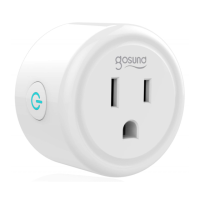
2. Press and hold the on/off button of the device for 5
seconds until the indicator light starts to flash quickly,
the interface page has already switched to “Add
Device” page.
3. Make sure the indicator light is now rapidly flashing
and confirm this in the app.
4. Choose the local WiFi, enter the correct password and
confirm.
5. Wait for successful configuration, then tap “Done”.
B. AP Mode
1. Please switch to “AP Mode” if the connection fails in
“Easy Mode”.
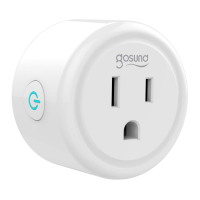
2. Press and hold the on/off button until the indicator
light flashes slowly.
3. Make sure the indicator light is flashing slowly,
confirm in the app.
4. Choose your 2.4G WiFi, enter your password and
confirm in the app.


 To Next Page